| Product family | Key features | Size | Typical use |
|---|---|---|---|
| CDE31 series | 4K, 500 nits, 24/7 operation, boots in under 10 seconds, power and video over a single USB-C cable | 43–98 inches | Corporate TV, lobbies, retail |
| CDEG3 series | No operating system, 4K, 500 nits, 24/7, boots in under 7 seconds | 43–98 inches | Security-sensitive banking and public sector projects; playout via an external player |
| CDEUW ultra-wide | 5K (5120×2160), 21:9 aspect ratio, Microsoft Teams Rooms compatible | 92 and 105 inches | Meeting and conference rooms |
| ViewBoard IFP51 and IFP63 | Android EDLA, touch digital whiteboard; IFP51 with 50-point touch | 55–98 inches | Meeting rooms and training. Buying guide |
| ViewBoard IFPUW and IFP110 | IFPUW 5K and 21:9; IFP110 4K and a single-piece 110 inch | 92, 105 and 110 inches | Large meeting halls, boardrooms |
| ViewBoard IFPG1 | A touchscreen with no operating system and no local data storage | 55–86 inches | Meeting rooms where network security is a priority |
| TeamJoin kits | Microsoft Teams Rooms certified; compute unit, touch console and 4K video bar | Depends on the room | Hybrid meeting rooms |
| All-in-one LED LDM | Integrated control unit, built-in Wi-Fi, split screen for up to 4 sources | 136, 163 and 231 inches | Boardrooms, conference halls, lobbies. Details |
| Foldable LED LDS | Wheeled, height-adjustable stand; folds for transport | 135–138 inches | Events, training and temporary installations |
| Configurable LED LDC | 1.2 / 1.5 / 1.8 / 2.5 mm pixel pitch; IP54 and IK06 protected surface | Project-specific | Custom-size LED walls. Pixel pitch guide |
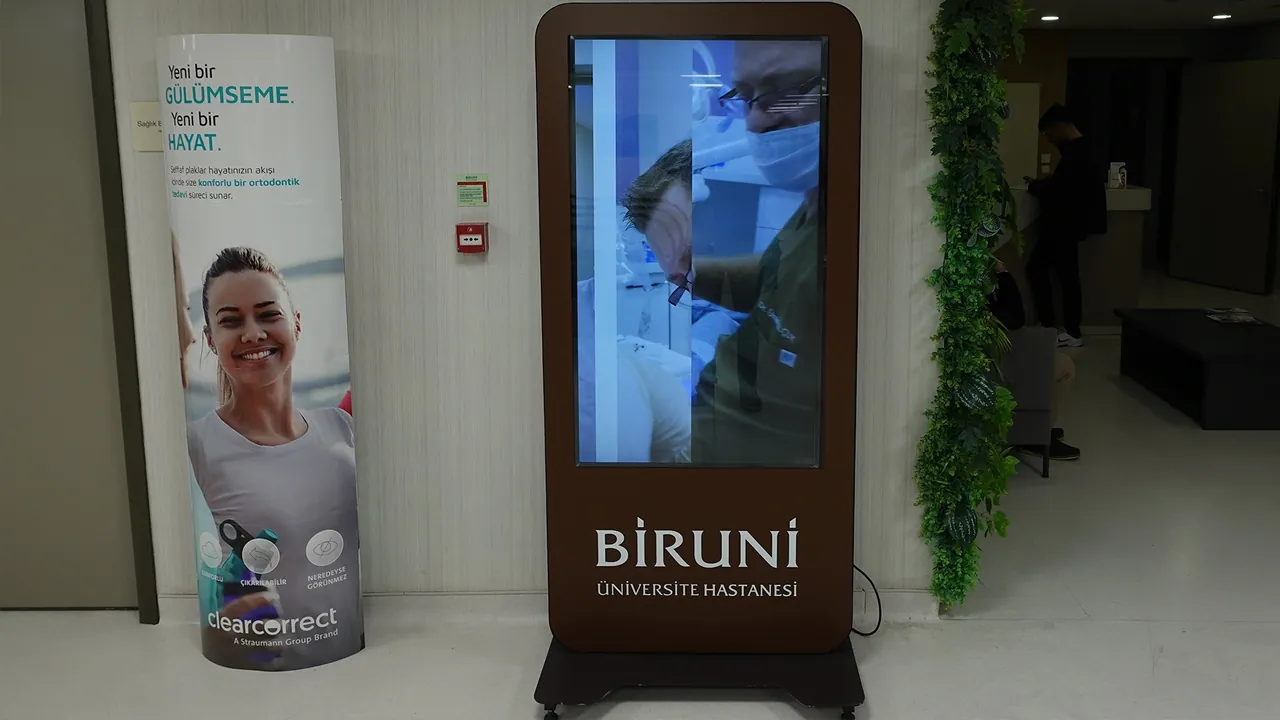
| Digital poster EP5542 | 4K, slim body, built-in media player | 55 inches | Lobbies, cafeterias and wayfinding points |
| Open-frame display TD3207 | 24/7 operation, 3 mm protective glass, IP65 protection | Project-specific | Industrial areas and kiosk enclosures |
| Wireless presentation WPD-900 | Casting up to 30 meters with no network or software setup | Portable kit | Meeting rooms and classrooms |
- Home
- Display Brands
- ViewSonic
ViewSonic Displays
Optimize your playout, meeting and training spaces under one roof. We handle turnkey SSCSign installation, integration, central content operations and continuous technical service for CDE, ViewBoard and LED display solutions.
Summarize this page
The app you choose opens in a new tab and summarizes this page only.
- 1Budget Efficiency in Multi-Location ProjectsViewSonic displays are often chosen for multi-location projects on a limited budget. By choosing the model that suits your use from those rated for 16/7 or 24/7 operation, you get the most from your investment.
- 2Make your meetings more engaging and productive with interactive displaysOffering smooth interaction everywhere from meeting rooms to educational institutions and wayfinding applications, ViewBoard touchscreens maximize collaboration with multi-touch technology. With built-in wireless screen sharing, you can start your presentations and meetings instantly and securely, without any cable clutter.
- 3Large Display Solutions That Install QuicklyWith their pre-calibrated design that eliminates lengthy assembly, our all-in-one LED solutions integrate quickly into your lobbies and meeting rooms and meet your large-display needs right away.
An Uninterrupted, Integrated Corporate Playout Infrastructure with ViewSonic Displays
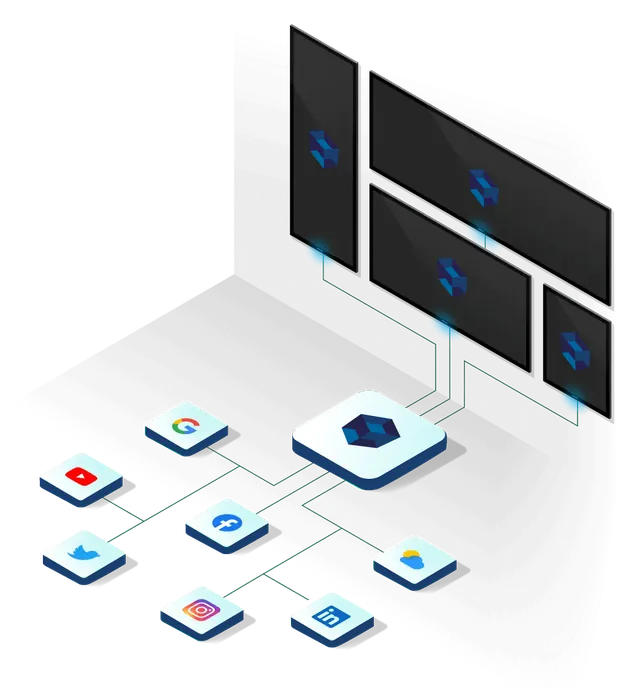
ViewSonic's Android-based CDE series digital signage displays developed for professional use, ViewBoard touchscreens and large all-in-one LED displays, together with the ViewSonic Manager device management software, are actively used in our projects. The Android version of SSCSign, which we integrate on these displays, runs on the device's own processor or through an external player; content operations are run centrally by our team, either cloud-based or on your organization's own servers.
Within the ViewSonic ecosystem, we cover a wide range, from 4K CDE series displays between 43 and 98 inches to ViewBoard touch solutions, and from giant 135–231 inch all-in-one LED displays to standard presentation displays. We confirm the current models that best fit your project with a site survey.
ViewSonic displays are actively used in our corporate TV, meeting room solutions, touchscreen and indoor LED projects. Since information about which hardware brand is used in which project is kept confidential under our clients' privacy policies, it is not shared publicly; however, you can see the corporate partners we serve and our clients on the relevant page.
ViewSonic professional display families
ViewSonic's corporate range extends from 24/7 CDE series displays to ViewBoard interactive displays, and from all-in-one LEDs to meeting room kits. The Android version of SSCSign runs on the display's own processor or on an external player and is managed centrally by our publishing team. Values are taken from the ViewSonic Business Solutions catalog; the most suitable current model for your project is determined together during the site survey.
Corporate Solutions Delivered with ViewSonic Technologies
- Corporate TV SystemsDeliver your corporate announcements and strategic campaigns to your employees and customers without interruption through CDE series professional displays in your branches, offices and production facilities.
- Digital Menu Board SolutionsPresent your menu on landscape or portrait CDE series displays in your restaurants and cafés and increase the visibility of your products and campaigns at the point of sale.
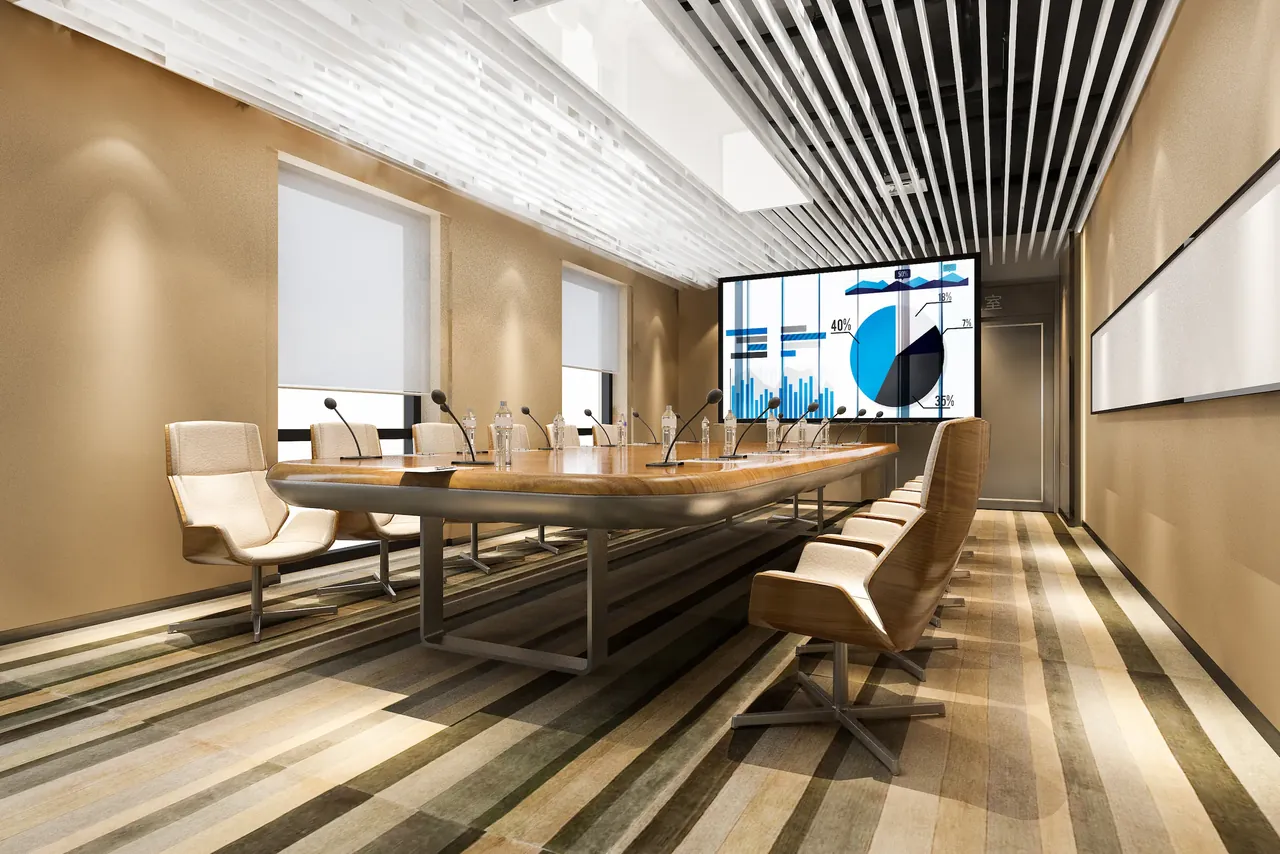
- Meeting Room SolutionsMake your meetings more effective and efficient by using the ViewBoard touchscreen together with wireless sharing and a room booking panel.
- Touchscreen ApplicationsGive your visitors a faster, more independent experience by offering wayfinding and self-service applications on touchscreens.
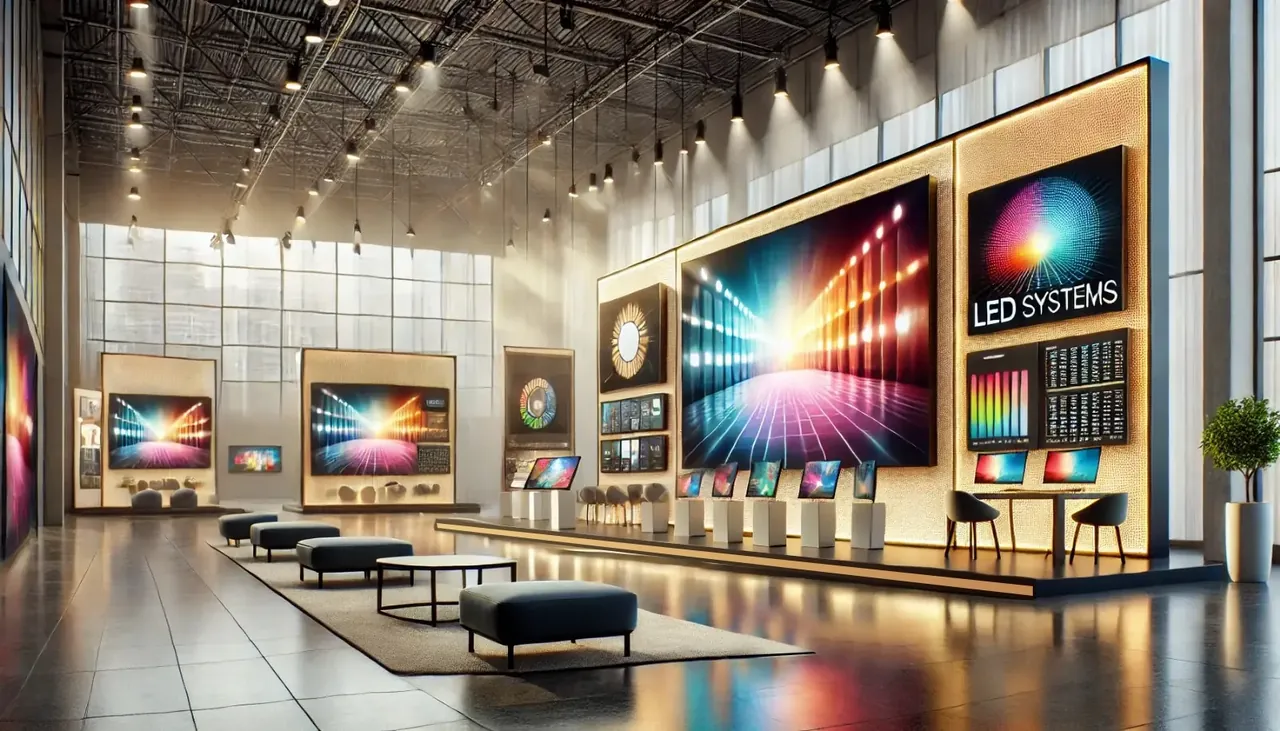
- All-in-one LEDCreate a large image in your lobbies and halls with a single-piece LED display and present your brand impressively.
How we bring your project to life
- Needs analysis and site surveyWe examine the space on site and determine the display series, size and mounting method according to viewing distance, light and operating hours, in line with your project's requirements.
- Scope and proposalWe provide a transparent proposal that shows display, mounting, software and service items separately. If you want to use suitable existing devices, we evaluate them as part of the project too.
- Installation and commissioningOur technical team completes mounting, network connection and SSCSign installation end to end, and tests the system with you before commissioning it.
- Content operations and serviceOur team manages the daily playout flow centrally through the SSCSign platform. We also run 24/7 support, maintenance and on-site service in all 81 provinces with the same level of responsibility, so operations run without interruption.
Frequently asked questions
Does SSCSign work on ViewSonic displays?
The SSCSign Android app is installed on Android-based ViewSonic displays; when the display turns on, the app starts automatically. If the model's Android version isn't suitable, a small external player is connected to the display. In both cases, playout is managed by our team through SSCSign.
Can ViewBoard displays be used for digital signage?
Yes. Outside meeting hours, announcement and information content is shown on your ViewBoard display through SSCSign; when a meeting starts, touch use picks up where it left off.
What is the difference between all-in-one LED and a video wall?
Video wall systems are made by combining narrow-bezel LCD panels, and the joins between panels are slightly visible. All-in-one LED solutions, by contrast, come factory-calibrated and deliver a single-piece, completely bezel-free image. The display technology that best fits your needs is decided together based on the size of the space, the viewing distance and your budget. You can find detailed technical comparisons in our article video wall or LED.
If we buy the display ourselves, will you install it?
Yes. We mount displays you supply yourself, complete the SSCSign installation and take on service responsibility. Whether the model works with one of the supported operating systems is checked during the site survey.
Can we buy the display from you?
Yes. In turnkey projects, we supply displays from the series that suits your needs and present them together with installation and software services as a single, integrated proposal.
How is the warranty handled?
The hardware is covered by the manufacturer's warranty, while installation, software and on-site service management come from a single source. In the event of a fault, all coordination and manufacturer service processes are handled by us.