- Home
- Meeting Rooms
Meeting Room Technologies
We make sure the technology in your meeting rooms keeps your workflows running smoothly and efficiently. We design presentation systems, professional video conferencing infrastructure and smart room booking systems as a whole, and take on installation, integration and post-launch technical support end to end.
The app you choose opens in a new tab and summarizes this page only.
We also offer this solution with no upfront investment, operation included, under our Turnkey Leasing model.
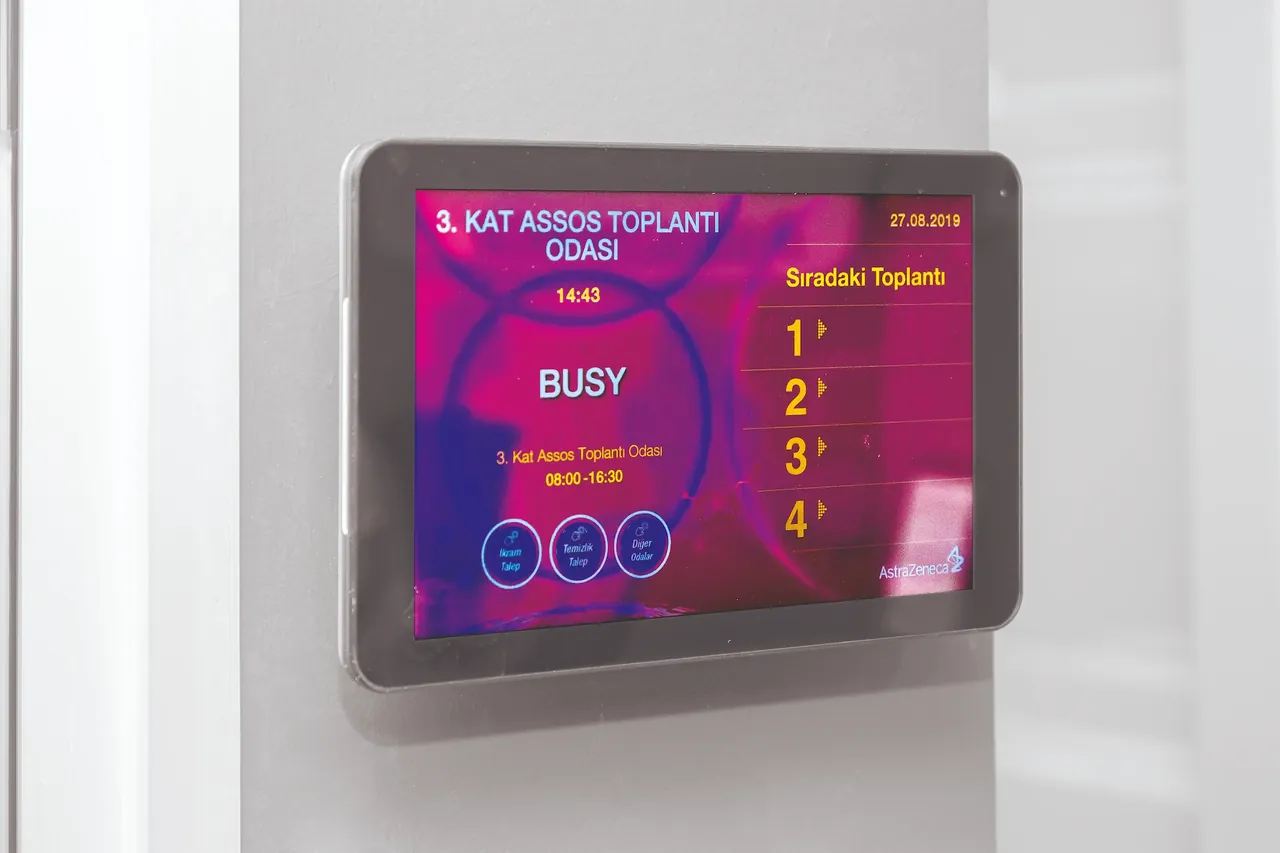
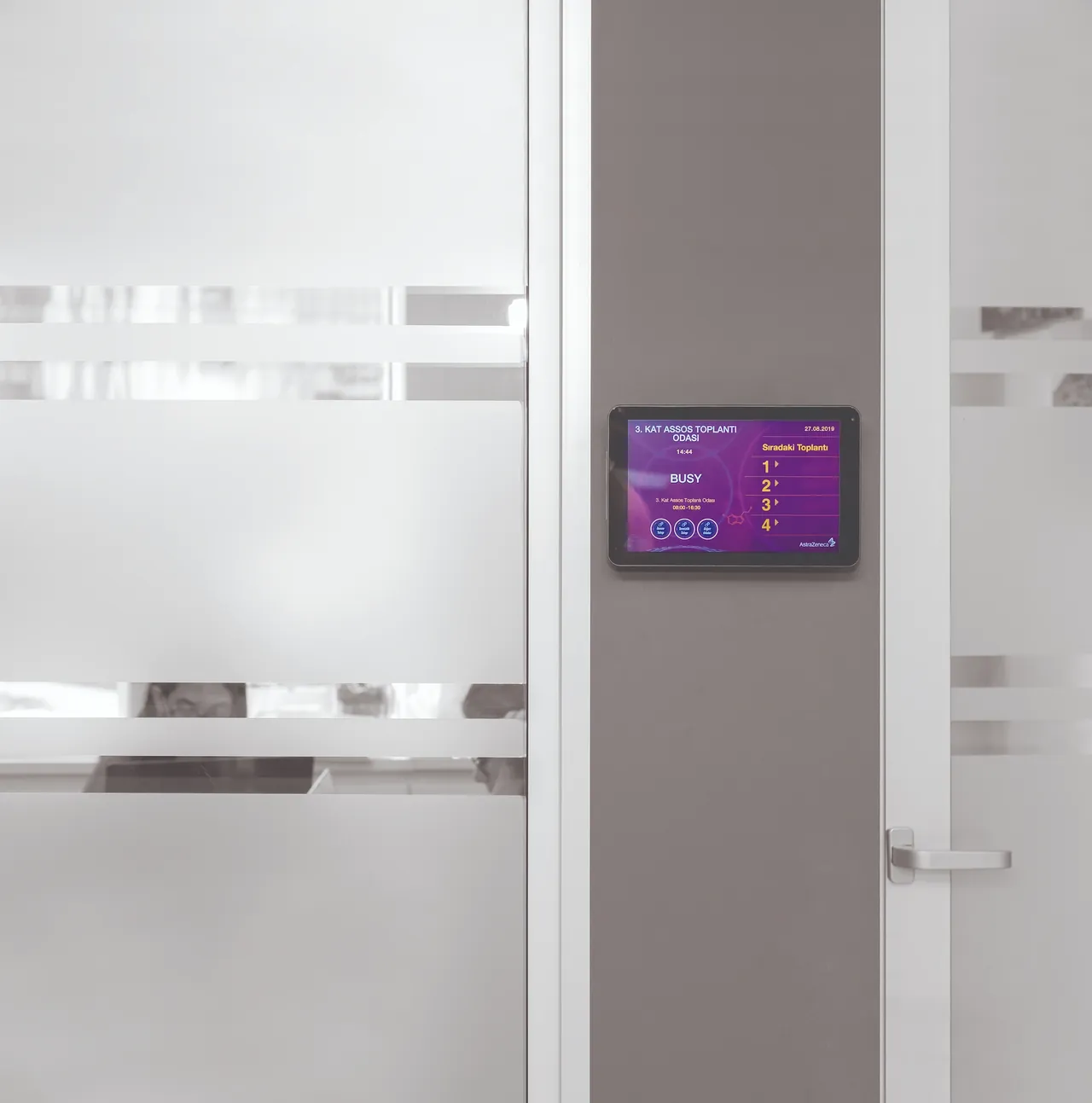
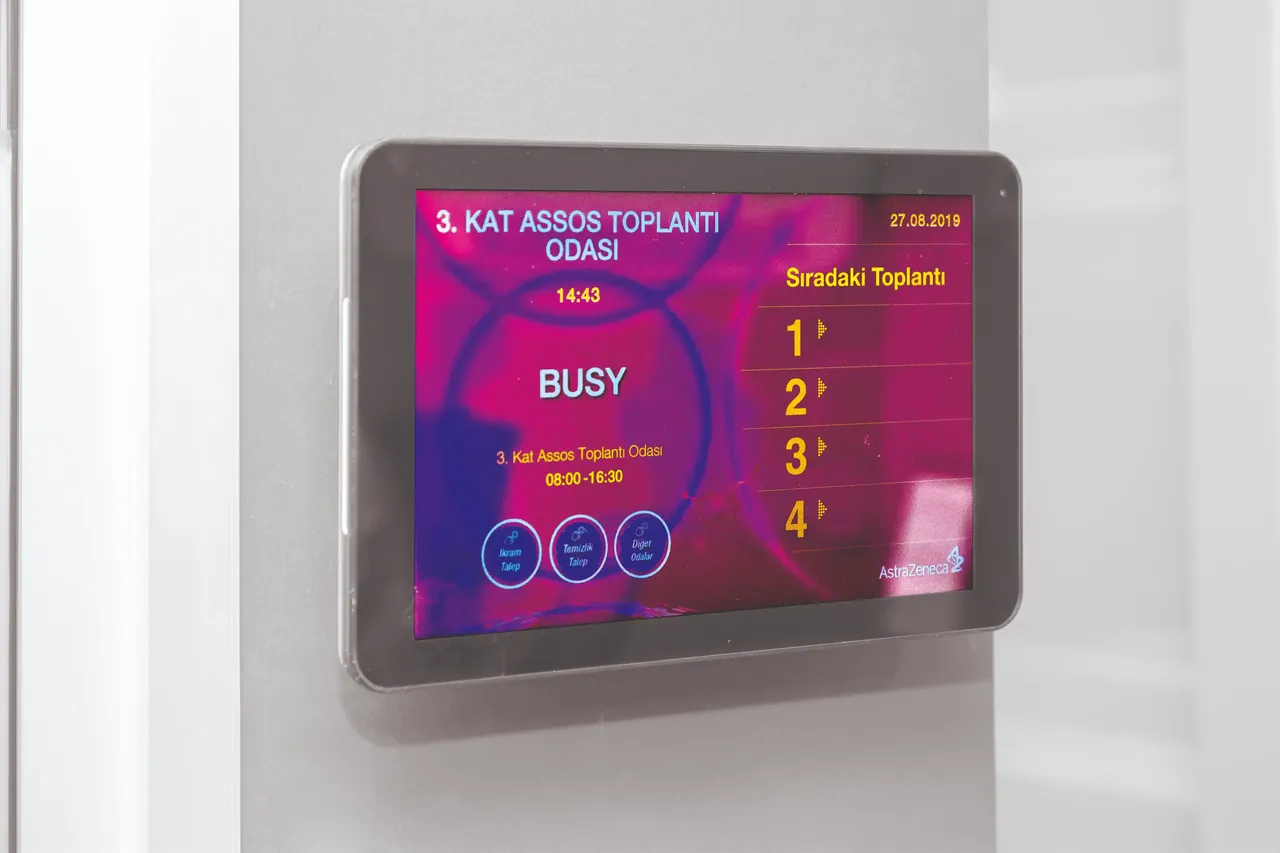
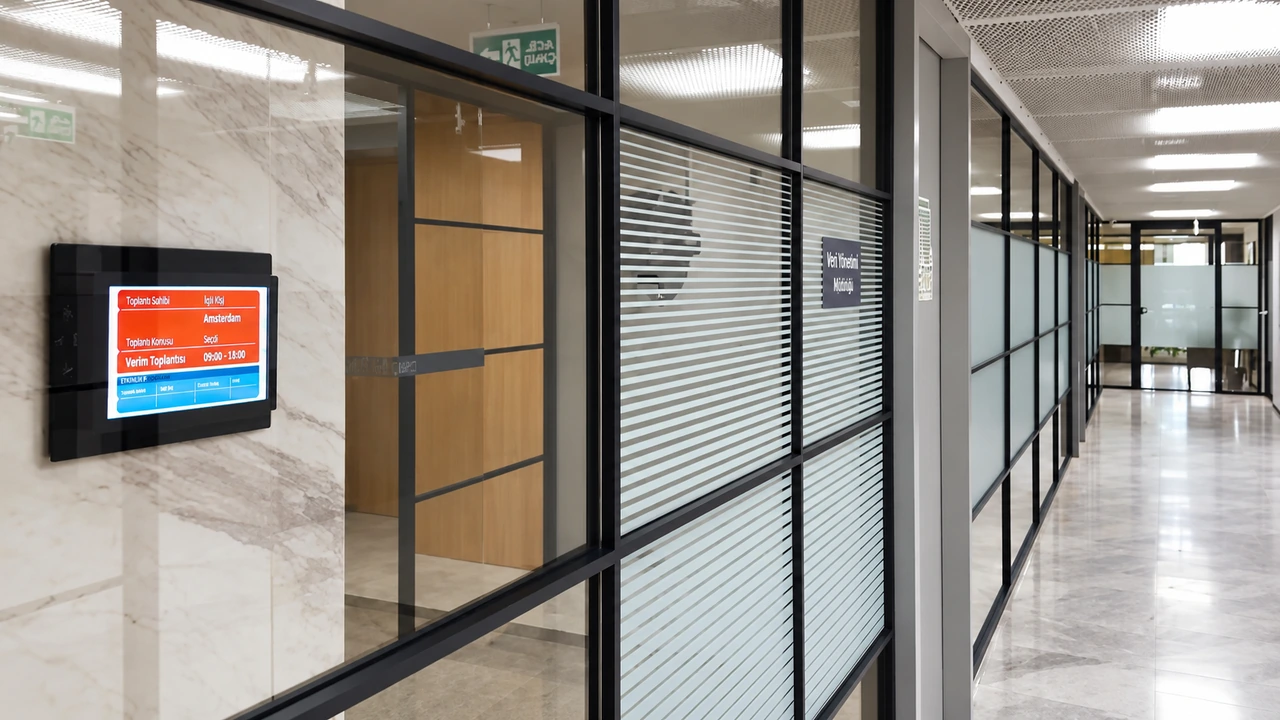
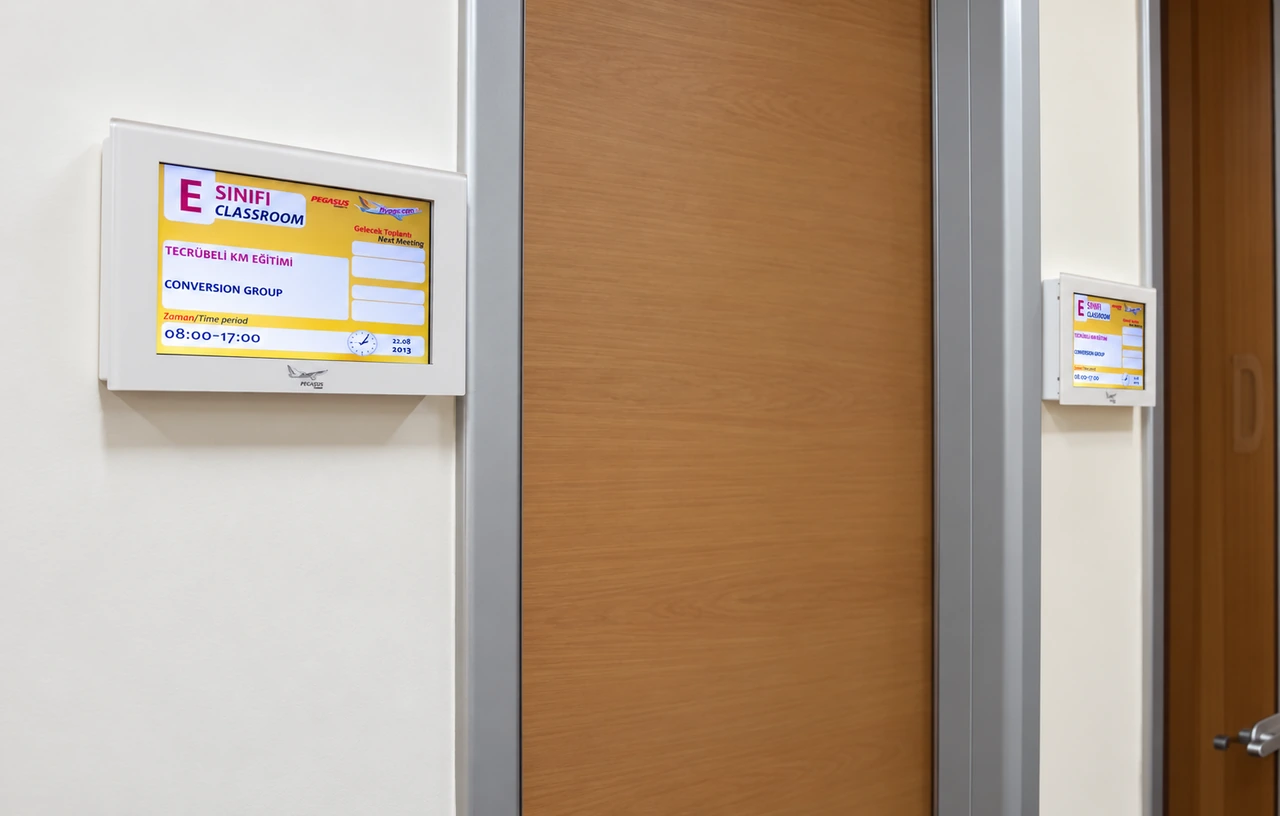
- 1Smart Room Booking SystemsInteractive panels at room entrances show current and upcoming meeting information. They eliminate the search for free rooms, increase the utilization of meeting spaces and prevent lost time.
- 2One-Click Presentation SharingWe enable laptops and mobile devices to connect to the display instantly, wirelessly or by cable. Meetings start without time lost on technical preparation, and all participants follow the content at the same time.
- 3Integrated Video Conferencing InfrastructureWe integrate cameras, microphones and displays to suit the acoustics of the room. In hybrid meetings, remote participants get crystal-clear audio and video, delivering high productivity regardless of location.
Integrated Room Infrastructure for Efficient Work
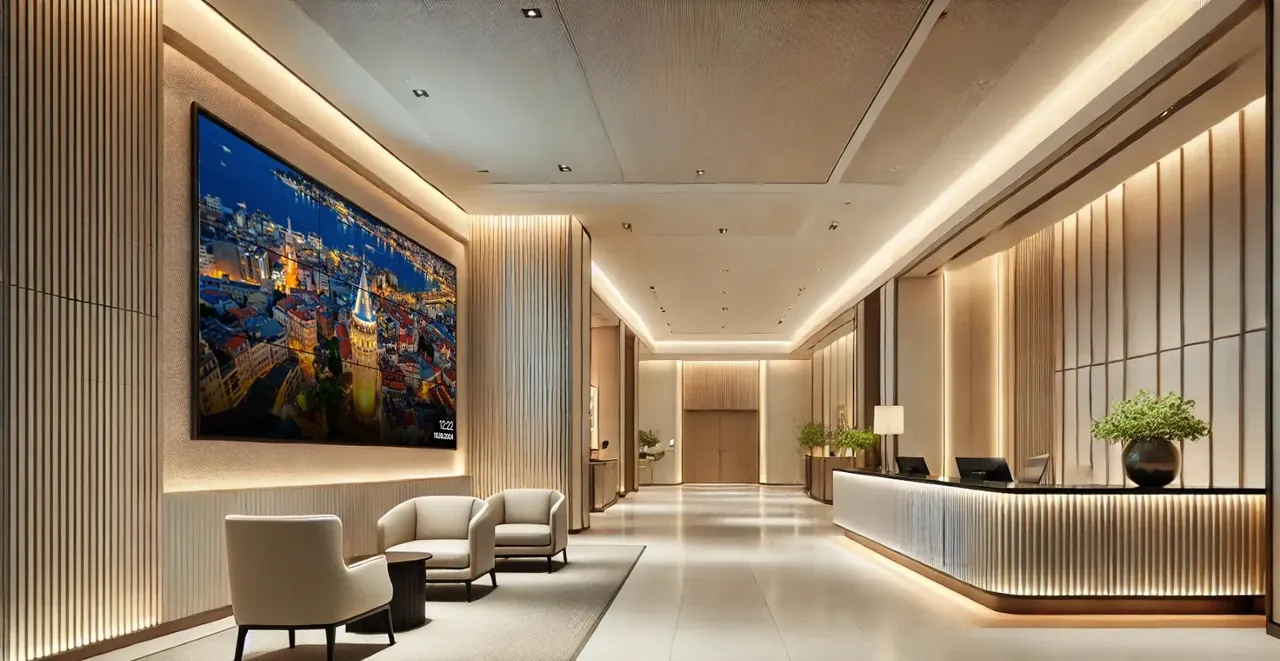
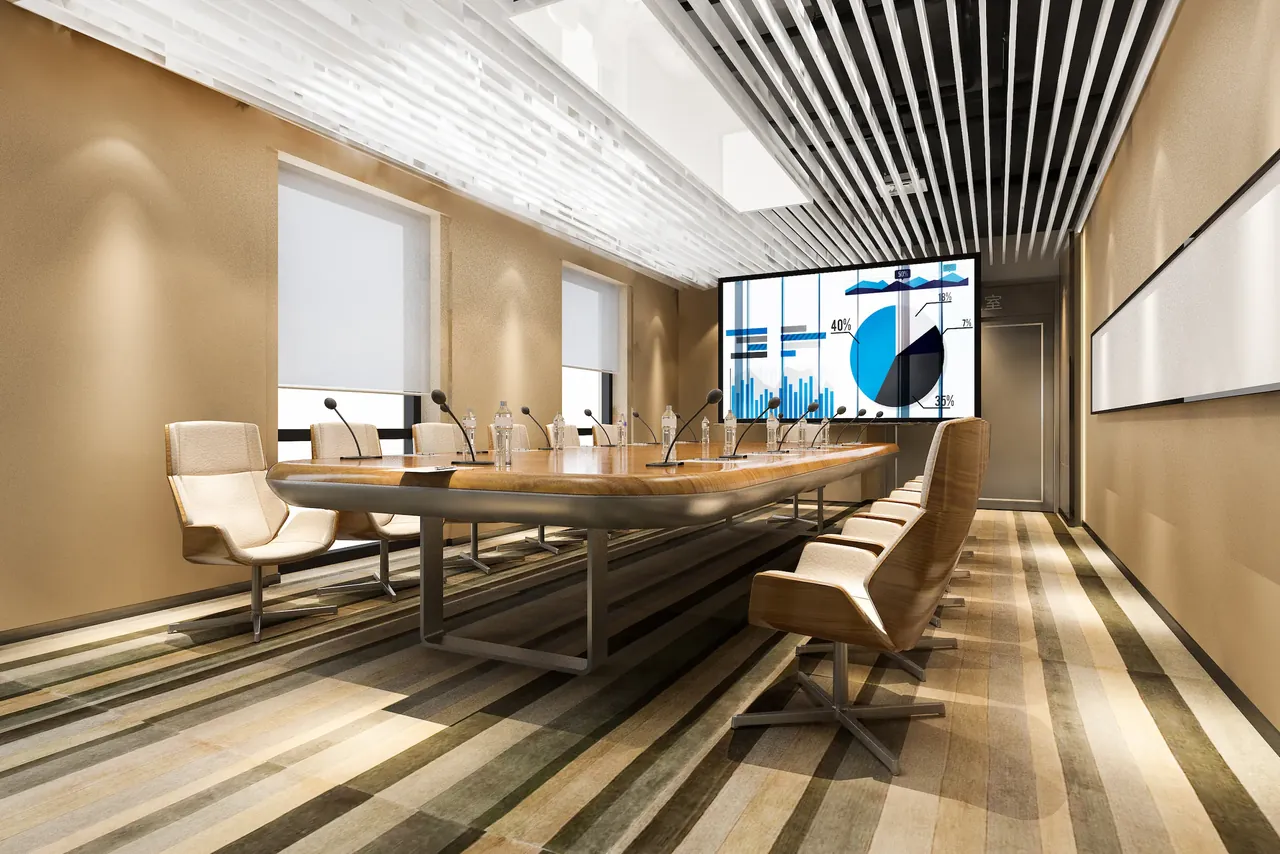
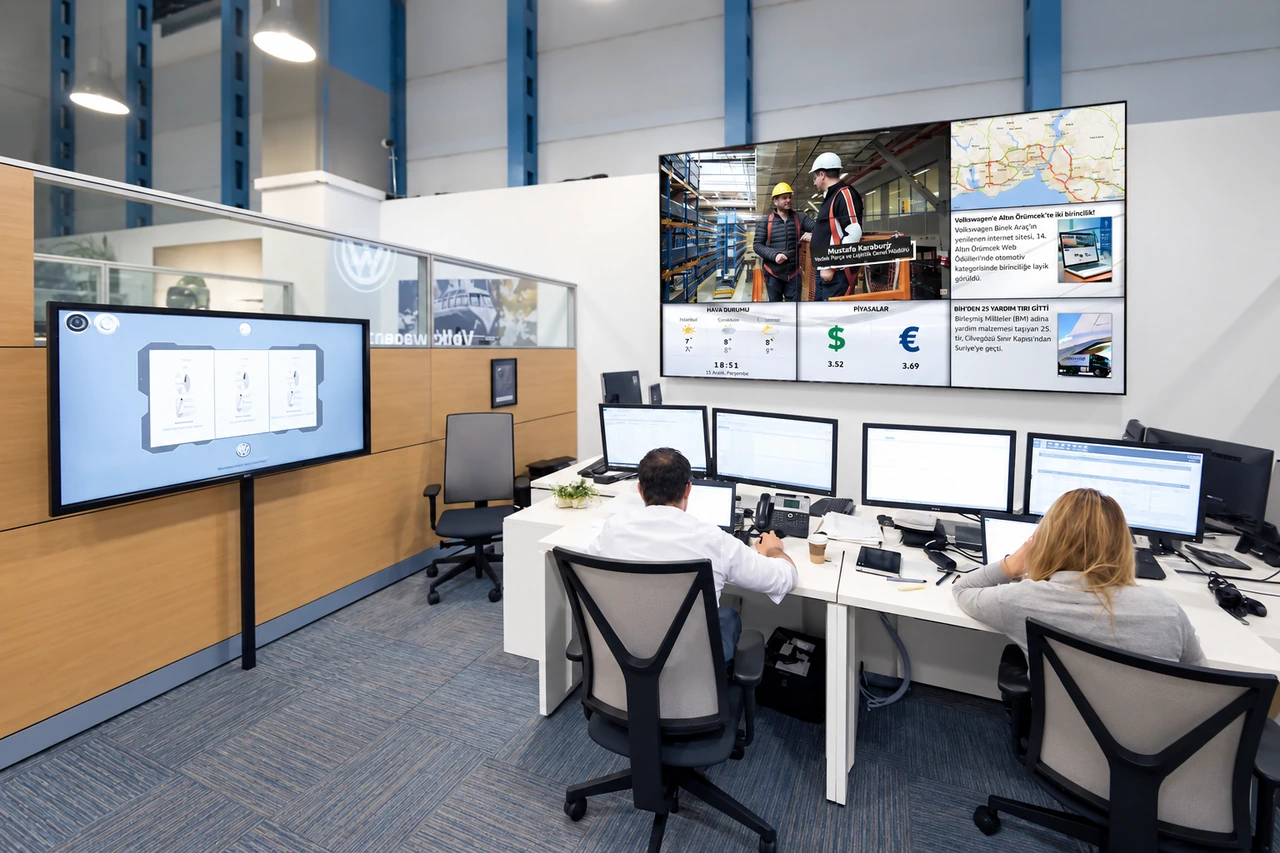
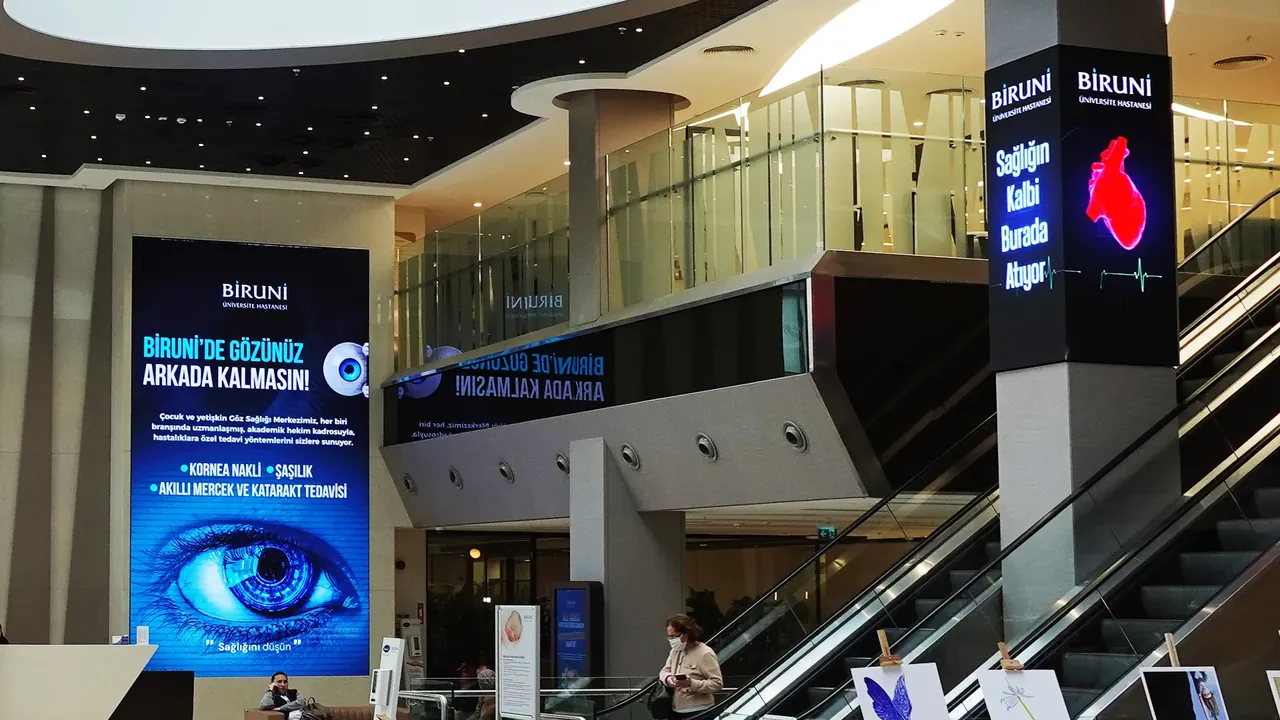
Depending on the scale of the space, we specify professional presentation displays, video wall systems or fine-pitch LED panels. Single industrial displays are sufficient for small and medium rooms, while large conference halls call for scalable display architectures that remain highly readable from the back rows. Display positioning, seating layout and viewing angles are assessed together to create the optimum line of sight for every participant.
Room booking panels above the door sync both ways with the central calendar platforms your organization uses (Microsoft Outlook/Teams, Google Workspace, etc.). This way, the data flow is managed from a single reliable source.
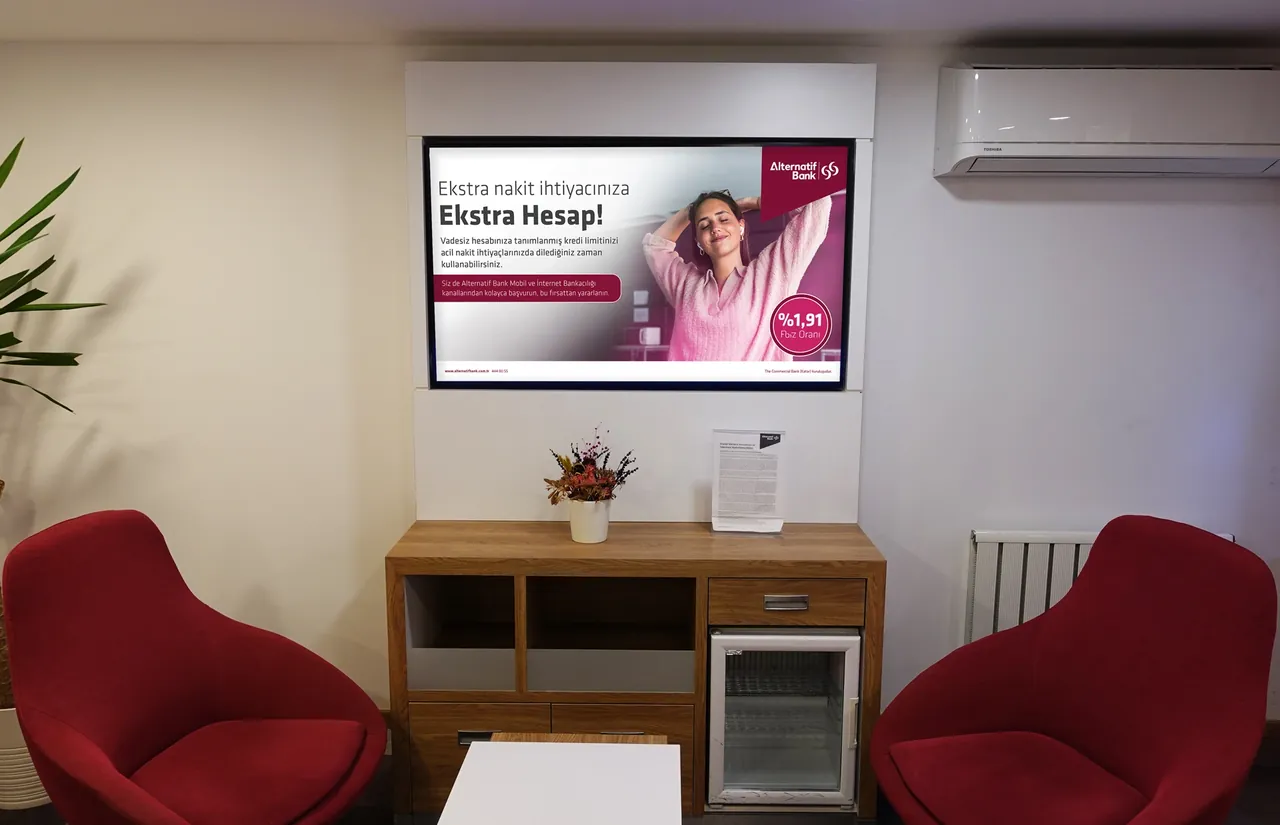
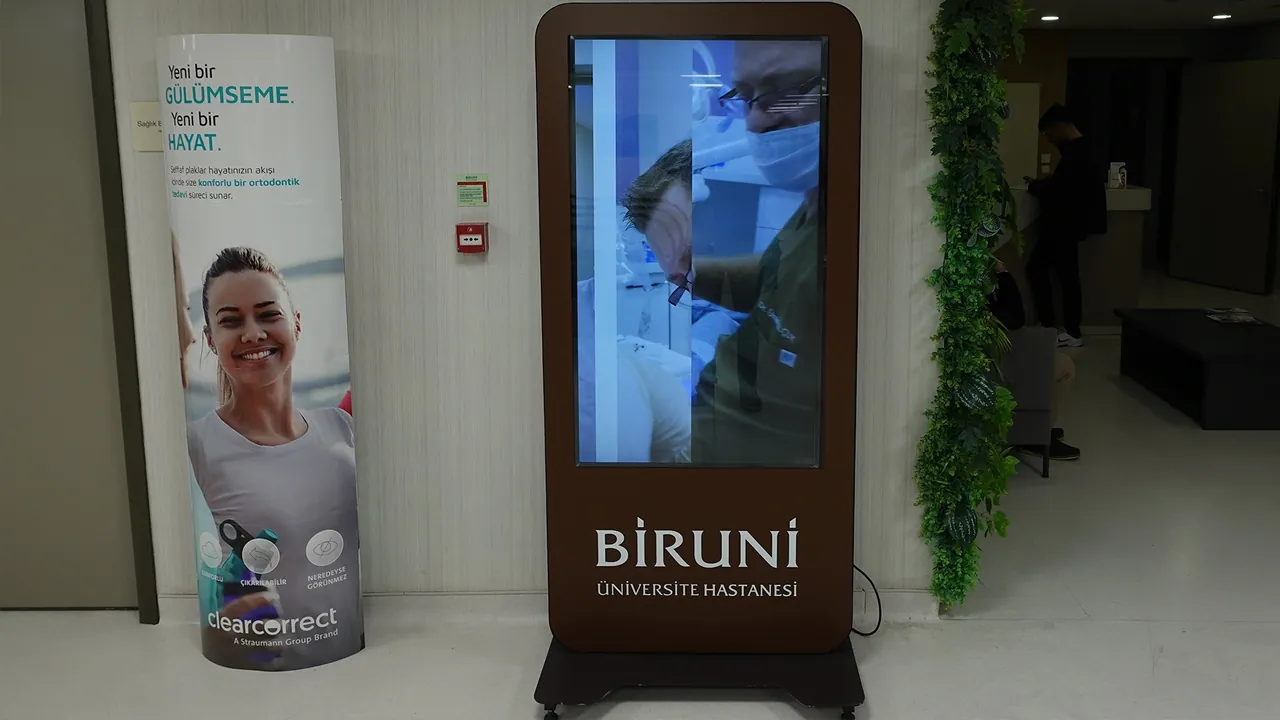
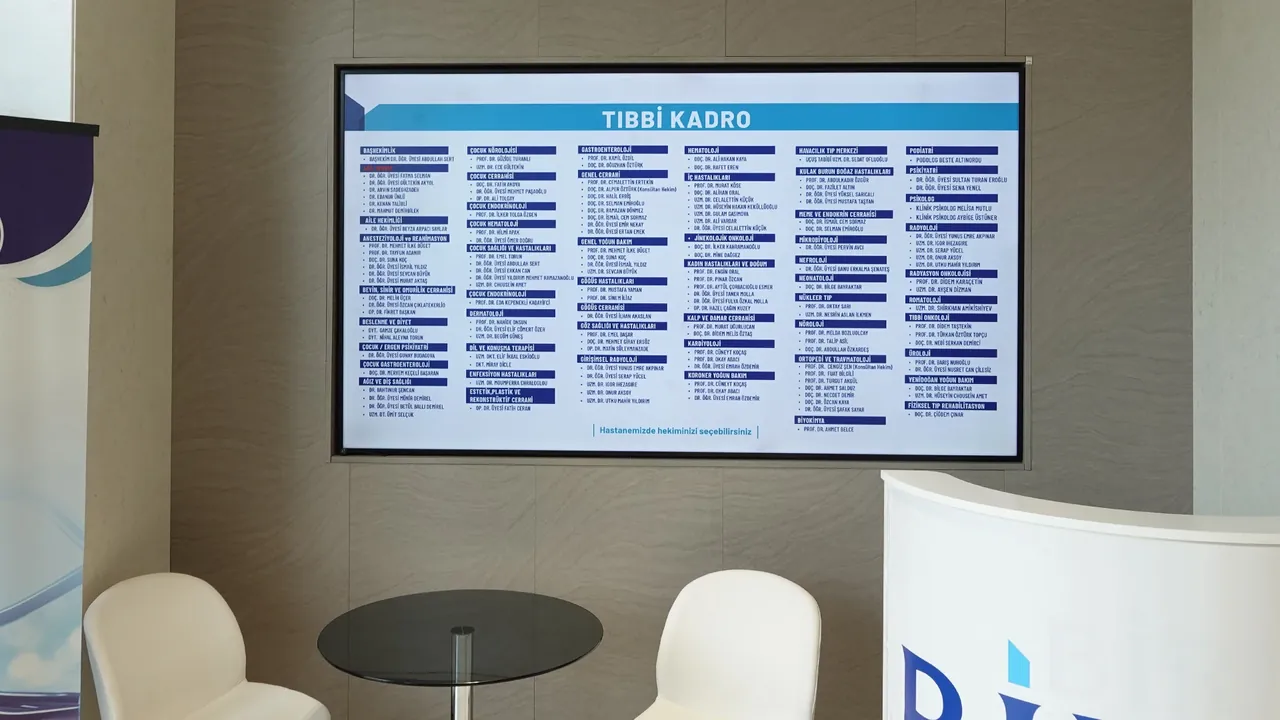
Audio, video and camera hardware is configured to be fully compatible with the video conferencing software your organization prefers (Microsoft Teams, Zoom, Webex, etc.). In shared work areas and waiting rooms, corporate announcements and information content are shown on information displays; the daily content and playout operations of these displays are run by our expert design team.
The right meeting hardware for the size of your room
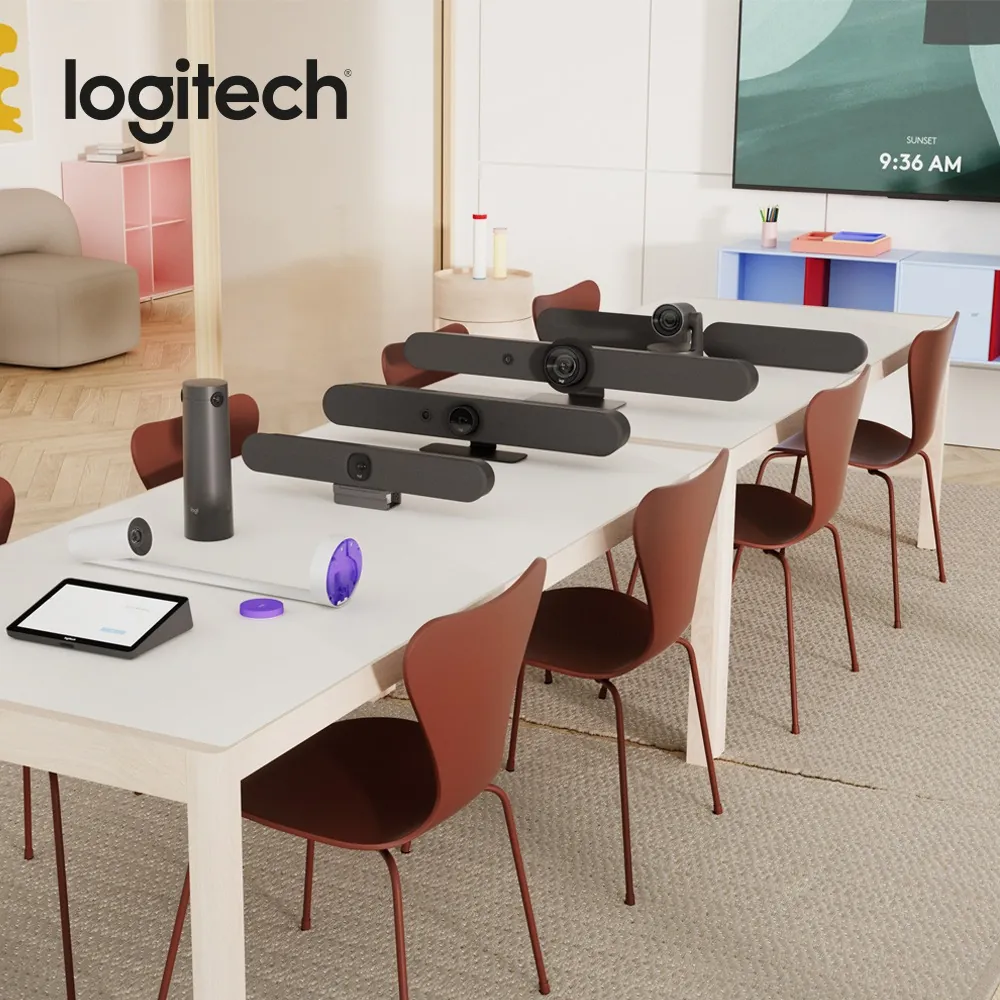
Not every meeting room needs the same hardware. The camera, microphone and display setup is determined by assessing the number of participants, the depth of the room and the video conferencing platform you use together. In our projects, we use Microsoft Teams- and Zoom-compatible meeting room solutions from manufacturers such as Logitech and ViewSonic.
- Small Meeting and Huddle RoomsWith video bars that combine camera, microphone and speaker in a single unit, installation stays simple in small spaces and there's no cable clutter on the table.
- Medium and Large Meeting RoomsCameras that automatically follow the speaker and adjust the framing to the participants, together with table microphones, deliver clear audio and video from every point in the room.
- Boardrooms and Long-Table RoomsA camera placed in the middle of the table shows participants from the front rather than the side, so remote team members can take part in the meeting equally.
- Rooms with WhiteboardsWith whiteboard cameras that clearly share what's written on the board in the video call, ideas produced in the room reach remote participants in full.
Making efficient use of your office space
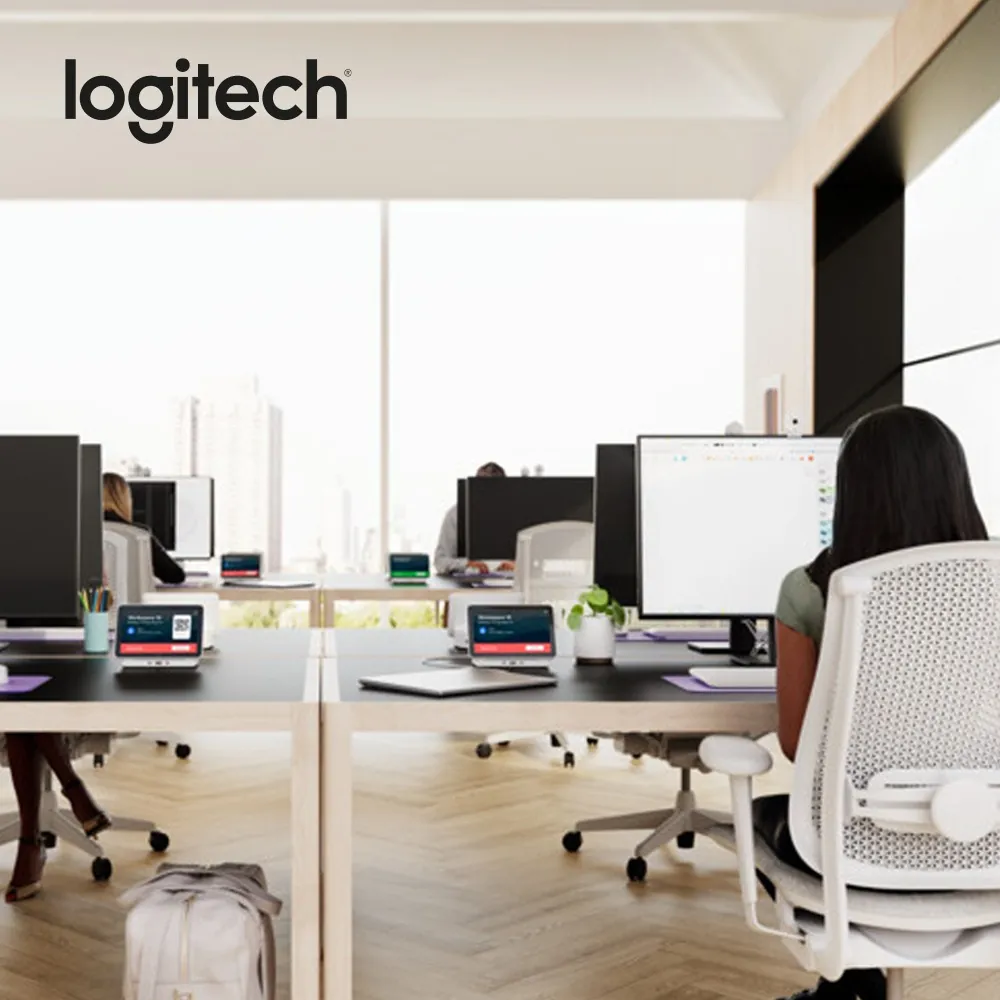
- Desk BookingIn offices with shared seating, employees book their desks in advance; the connection unit on the desk connects the display, power and peripherals to the laptop with a single cable.
- Room Occupancy and Air Quality MonitoringSensors placed in meeting rooms measure occupancy, temperature, humidity and carbon dioxide levels. Unused bookings and stuffy rooms become visible; this data can also be connected to the building automation infrastructure.
- Releasing Unused RoomsWhen a meeting doesn't start or ends early, the room is automatically released in the calendar and made available to another team.
- Remote Device MonitoringThe operating status and software updates of cameras, video bars and panels are monitored through a central portal; potential problems are detected before the meeting starts.
Application Areas
- Corporate Meeting RoomsIncrease corporate efficiency by combining presentation displays, room booking panels and video conferencing in a single project.
- Training and Conference HallsDeliver training and presentation content to the whole hall in high quality with large-format displays, video walls or stage LED systems.
- Executive Floors and BoardroomsOffer a prestigious technology experience with high-end welcome and presentation displays.
- Co-Working SpacesOptimize information flow in dynamic work environments by sharing instant announcements and room availability on digital displays.
Display Brands we use for this solution
- SamsungTizen displays, no player needed
- LGwebOS displays, no player needed
- PhilipsAndroid-based professional displays
- ViewSonicCDE, ViewBoard and all-in-one LED
We are brand-independent and choose the right series for your project together during the site survey. All brands
See our installations and example applications
Example projects
How we bring your project to life
- Needs analysis and site surveyWe analyze your application areas on site and define display positions, sizes and mounting conditions according to your project's requirements.
- Scope and proposalWe provide a comprehensive proposal that details hardware, installation, software and content services as separate items.
- Installation and commissioningWe plan on-site installation fully around your business hours, opening schedule or operational peaks. The system passes all technical tests and is handed over complete and ready to go live.
- Content operations and serviceOur expert content and publishing team runs daily content management through the SSCSign platform. With 24/7 system monitoring, periodic maintenance and on-site service in all 81 provinces, we ensure uninterrupted operational continuity.