- Home
- SSCSign Software
SSCSign Digital Signage Software
Plan your display network from a central platform and let content go live on time at every location. We install the 100% Turkish-developed SSCSign infrastructure and manage the playout schedule and daily operations with our team.
The app you choose opens in a new tab and summarizes this page only.
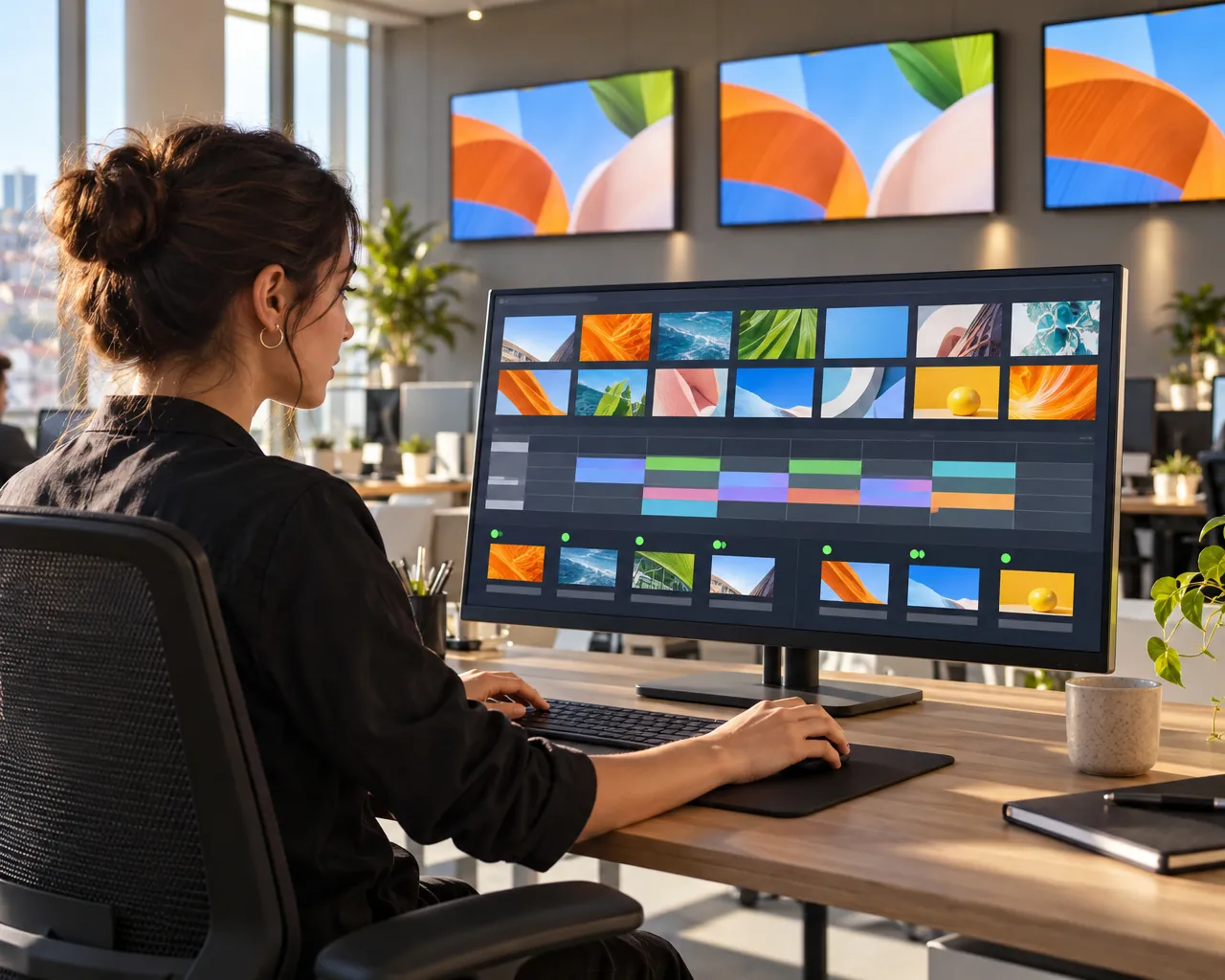
- 1Central Display ManagementA single list shows which displays are online and which have lost connection. Logs are reviewed, commands are sent to devices remotely and settings are changed without going on site.
- 2Share your content to corporate standardsContent is uploaded in bulk, layouts are designed and previewed at different resolutions. Every display shows on-brand, visually consistent playout.
- 3Scheduled Content DistributionThe playout schedule sets which content appears on which display, and when. Your campaigns and announcements reach your audience at the relevant locations at the intended time.
End-to-end content operations, from a single source with 100% Turkish-developed software
When the company that installs the displays licenses the software from another company, it becomes unclear who is responsible when a problem arises. We develop SSCSign ourselves; hardware, software, service and content operations come together under one roof in an integrated way. Responsibility stays with a single point of contact, and you discuss new feature requests directly with our development team.
We manage your playout network end to end through the SSCSign platform together with our experienced content and publishing team. We prepare your content in line with your corporate identity, plan the playout schedule carefully and deliver it securely to your displays. In addition to the dynamic feeds available out of the box on the platform, such as news, exchange rates, stock indices and weather, we integrate data sources specific to your organization into the system without interruption. We monitor the playout performance of all your displays centrally through advanced analytics and reporting modules, continuously safeguarding the effectiveness of your communication.
If you want to manage SSCSign with your own team, we open user accounts with the permissions you define and provide detailed training. You can avoid the hassle of servers with a cloud installation, or have the system installed directly on your own server for full control of sensitive data.
Device platforms supported by SSCSign
- Windows and LinuxSSCSign runs on computer-based players, bringing your existing hardware infrastructure into your central playout network.
- AndroidIt runs on Android player boxes and Android-based displays such as Philips and ViewSonic, expanding your installation options and adding flexibility to your project.
- TizenIt runs on Samsung professional displays without an external player, simplifying installation.
- webOSIt runs on LG professional displays without an external player, eliminating the need for additional hardware.
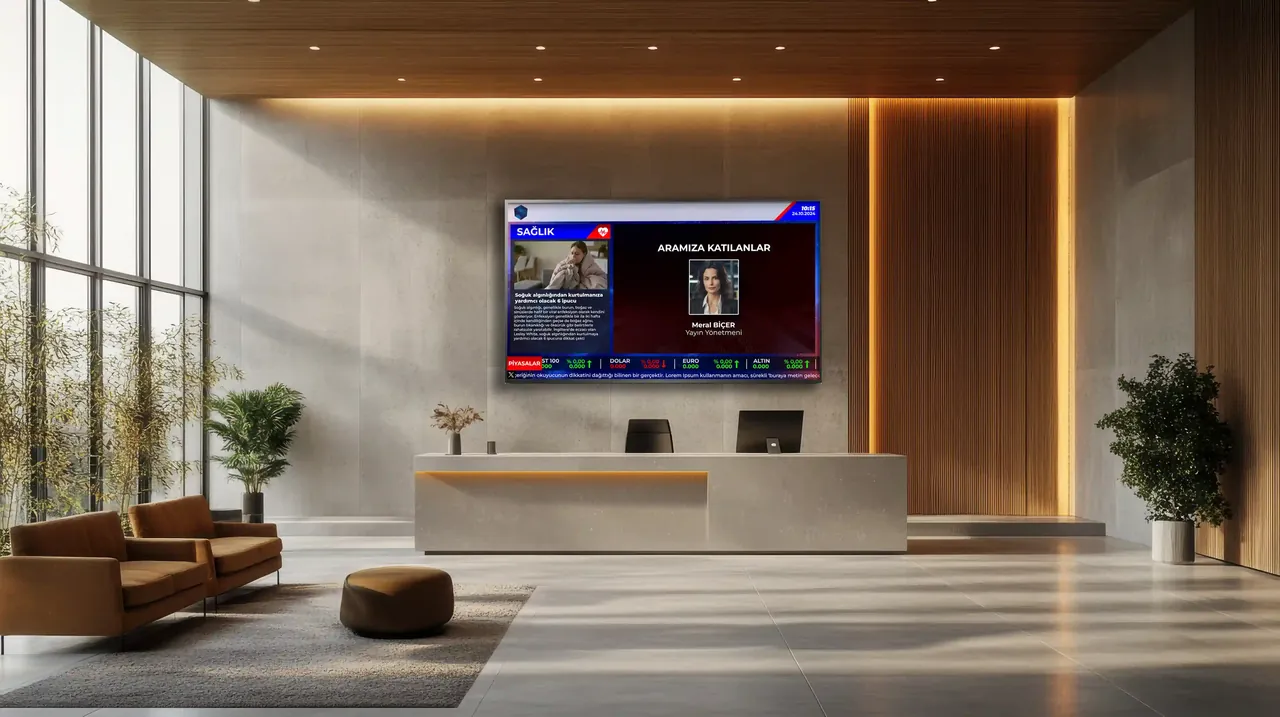
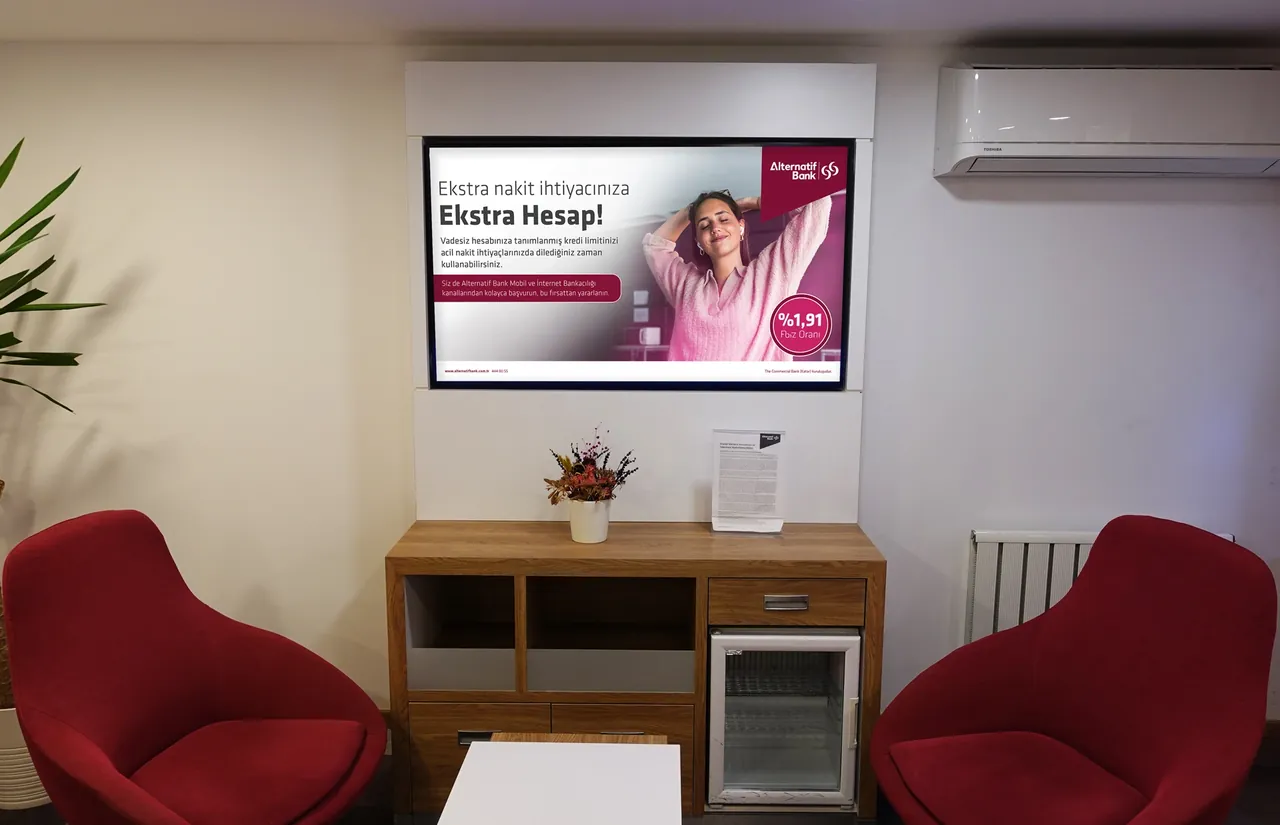
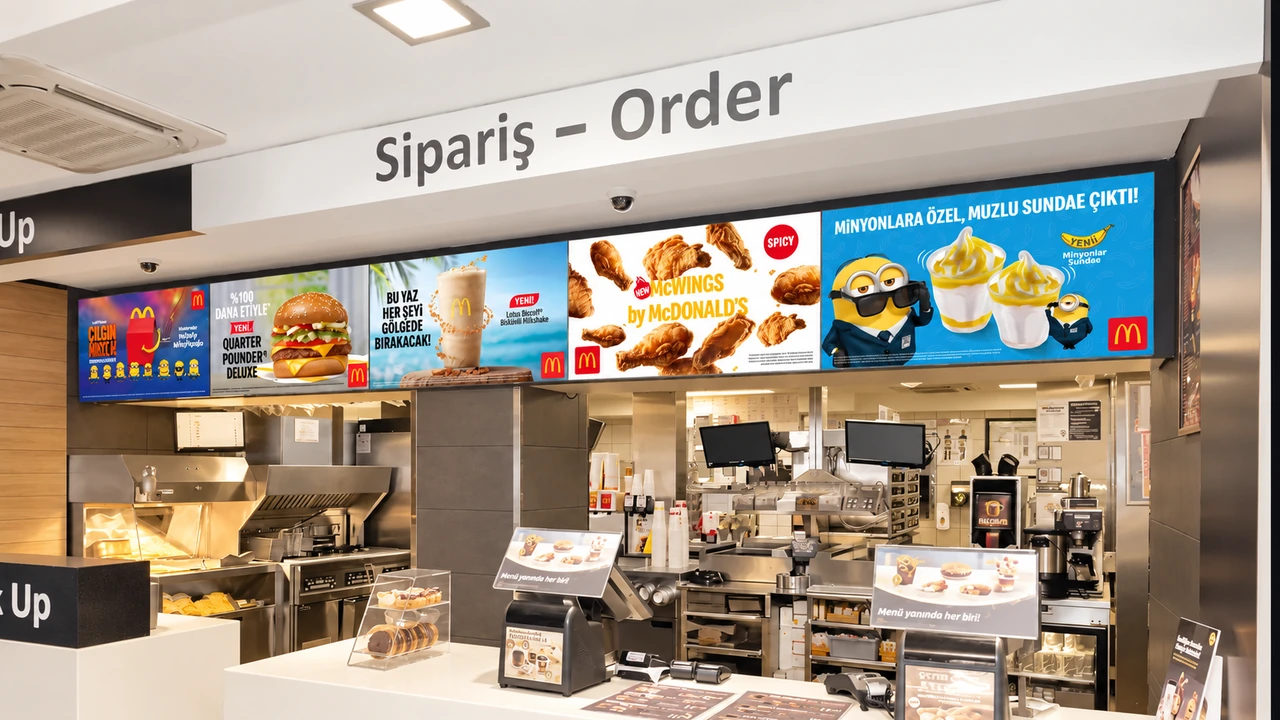
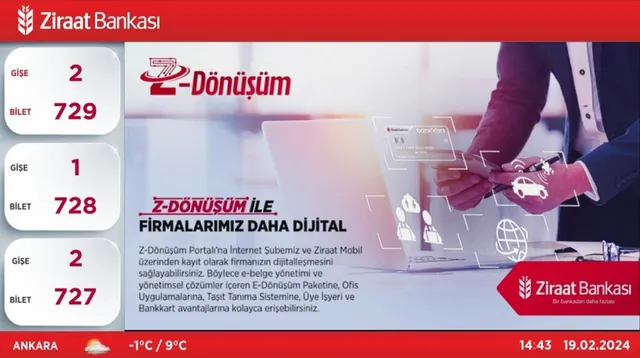
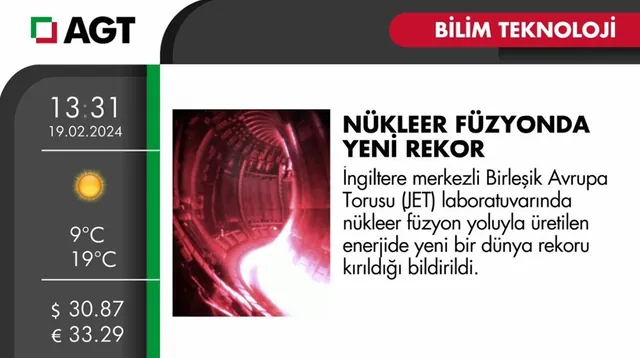
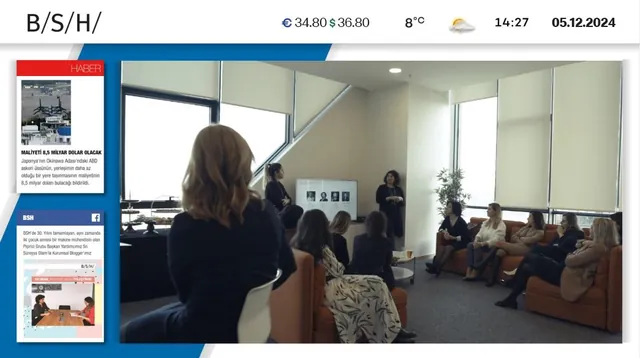
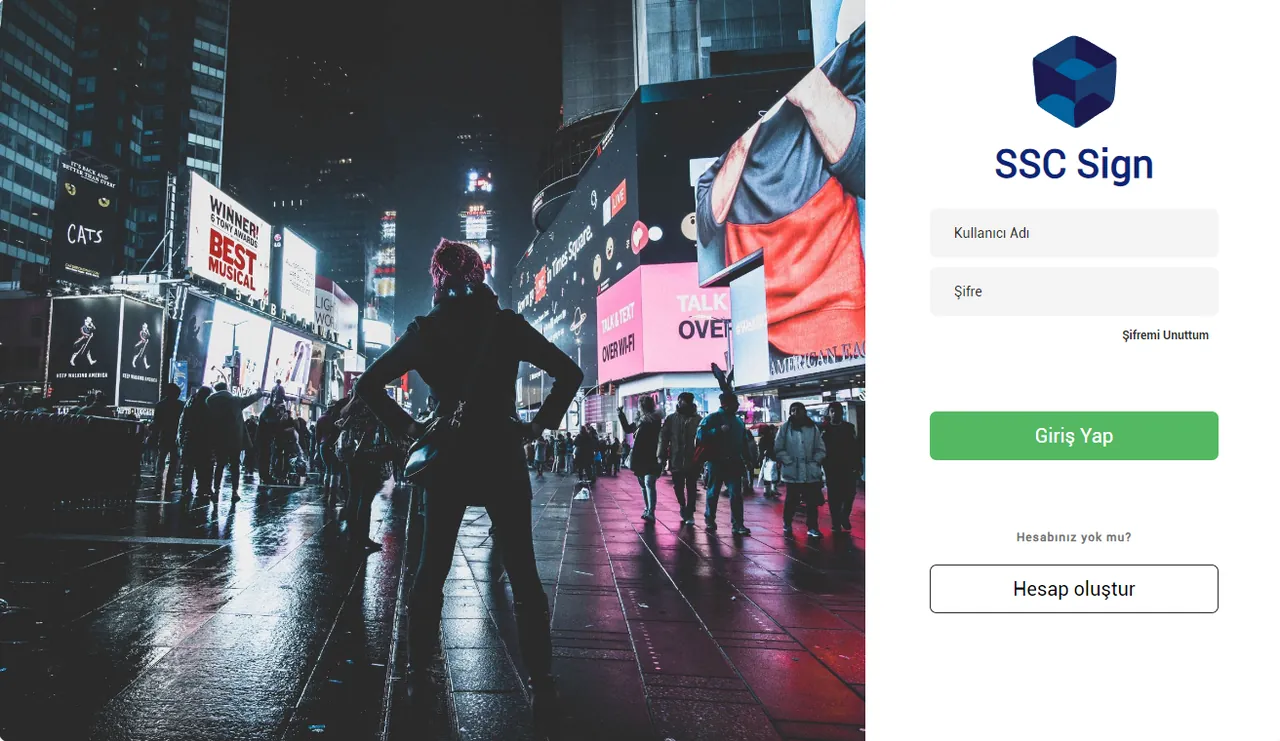
Examples of displays running SSCSign


How we bring your project to life
- DemoTo take a close look at the SSCSign infrastructure and see the value the system can add to your business, we can install it on site on your existing displays, or let you explore our solutions with an online live demo.
- Installation and commissioningWe install SSCSign in the cloud or on your own server and register your displays in the system.
- Content operationsBy default, content operations are run by our expert staff; on request, we assign user permissions to your team and provide training. You can leave content operations to our experts, or run the process in-house by defining custom user permissions and with the professional training we give your team.
- Maintenance and supportWe manage updates and technical support with our expert team.