Interactive displays are replacing projectors and traditional whiteboards in meeting rooms and classrooms. But not every touchscreen does the same job: digital whiteboards designed for meetings and training and touchscreen information displays used in lobbies and wayfinding points meet different needs.
First define the purpose
- Meetings and training: Pen writing, digital whiteboard, screen sharing and saving notes are key. Samsung Flip and the Android-based WAF and WAC series are designed for this use. These displays are planned around daily usage time (manufacturer rating 12/7).
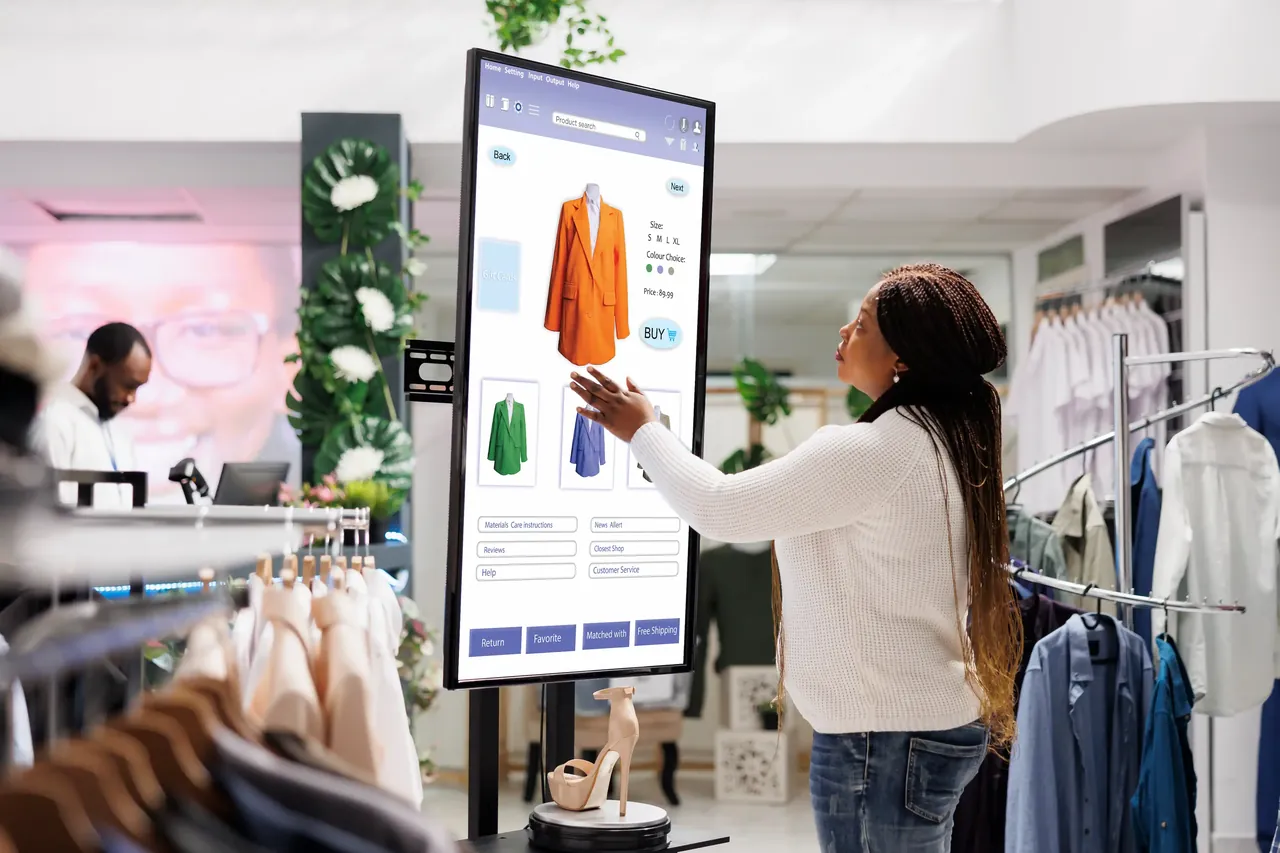
- Information and wayfinding: Displays that stay on all day, where visitors get information by touching the screen. The Samsung QMB-T series, with 4K resolution and 24/7 operation, suits these points.
Size and room
55–65 inch displays are preferred for small meeting rooms, and 75–86 inch displays for medium and large rooms and classrooms. The key measure for choosing the size is whether participants in the back row can read the writing comfortably.
Operating system and apps
Android-based interactive displays give access to meeting and training apps through an app store. Compatibility with the email, calendar and file sharing infrastructure your organization uses is something to consider when choosing.
Wireless sharing and video conferencing
Being able to cast wirelessly to the display from participants' laptops and phones gets meetings started quickly. For hybrid meetings, the display should be planned together with the camera, microphone and the video conferencing app you use (Microsoft Teams, Zoom, etc.); for details, see our meeting room page.
Make it work outside meetings too
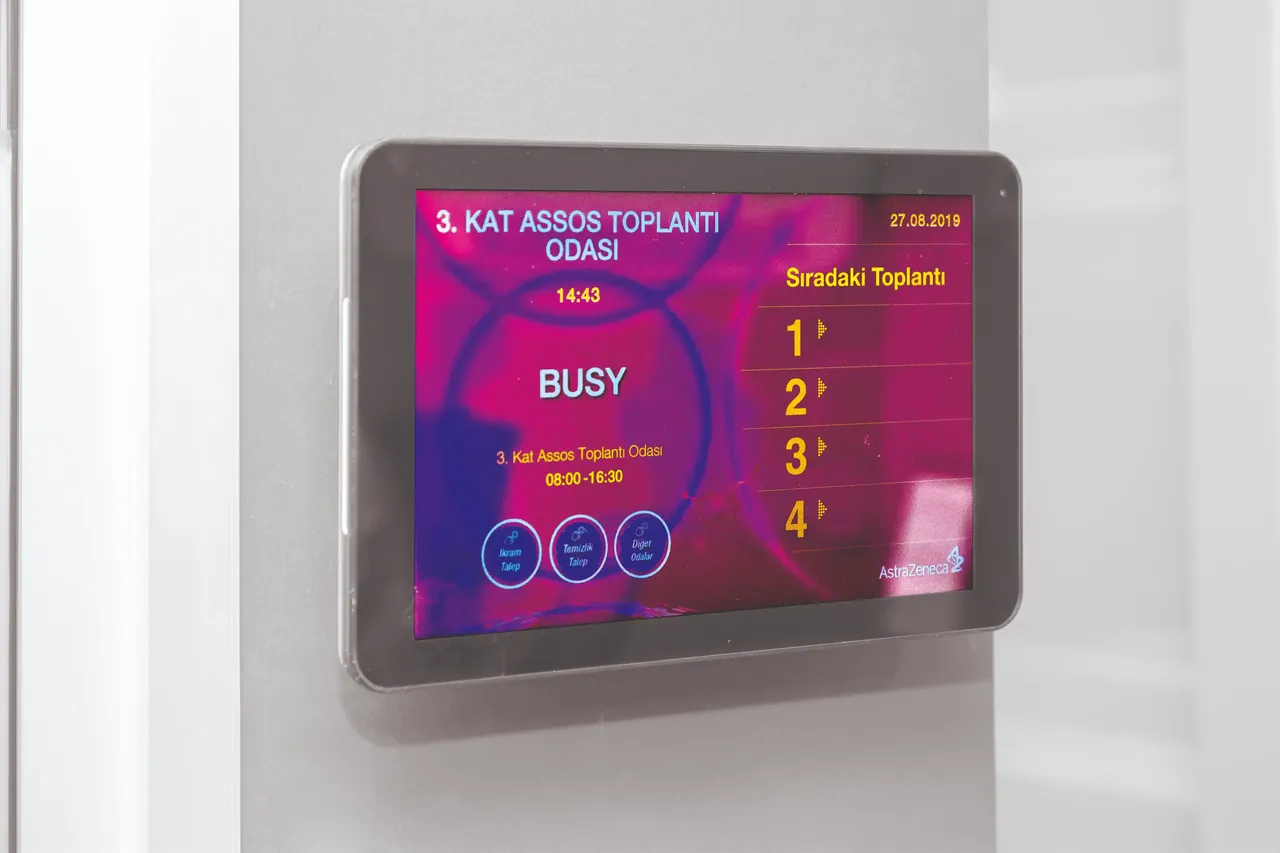
The interactive display doesn't have to sit idle when there are no meetings. Corporate announcements, room occupancy and the agenda can be shown through SSCSign, so the display can be used for information throughout the day.
Summary
Choose digital whiteboards focused on pen writing and sharing for meetings and training, and 24/7 touchscreens for lobbies and wayfinding. Room size, the apps you use and the video conferencing setup are clarified together during the site survey.