A corporate information display is a remotely managed display used to share announcements, campaigns and information in places such as branches, offices, factories or hospitals. To choose the right display, you only need to evaluate the seven topics below.
1. Consumer TV or professional panel?
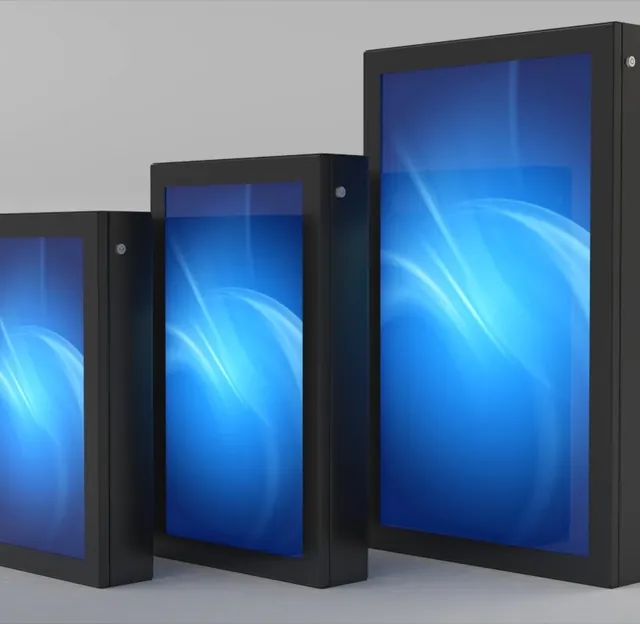
Consumer TVs are designed for a few hours of viewing a day. Information displays, however, often stay on from morning to evening, and sometimes 24/7. Professional panels are built for this heavy use: they are more heat-resistant, offer higher brightness, can be switched on and off remotely and can be used in portrait orientation. The initial investment is higher, but the cost of faults and replacements is lower.
2. Size: based on viewing distance
The viewer's position determines how large the display should be. A display viewed from 3–4 meters in a waiting area and one that needs to be seen from the end of a corridor will not have the same specifications. As viewing distance increases, text size should also increase; content should be designed for the display size and distance.
3. Brightness: based on ambient light
Brightness is measured in nits (cd/m²); standard levels are enough indoors, while high-brightness industrial models are essential for readability in daylight behind glass and in sunlit shop windows.
4. Operating hours
How many hours a day the display will be on directly affects the choice. A display that runs during business hours and one that plays 24/7 use different panels. Before you buy, check the manufacturer's warranty terms for this kind of use.
5. Player: built-in or external?
On Samsung (Tizen) and LG (webOS) professional displays, the software can run directly inside the display; no separate device is needed, and there are fewer cables and points of failure. An external player (Windows, Linux or Android) offers flexibility for heavier content, multi-display setups or custom integrations.
6. Mounting and service access
Wall, ceiling suspension, freestanding stand or recessed mounting options are evaluated. A ventilation gap should be left behind the display, and power and network cables should be routed out of sight. An installation that allows intervention without removing the display shortens service time.
7. Software
Software is what makes the display truly functional. When choosing software, look for answers to these questions:
- Can it run in the cloud or on your own server?
- Can you group displays and send different content to each group?
- Can content be scheduled by time and day?
- Can different permission levels be assigned to users?
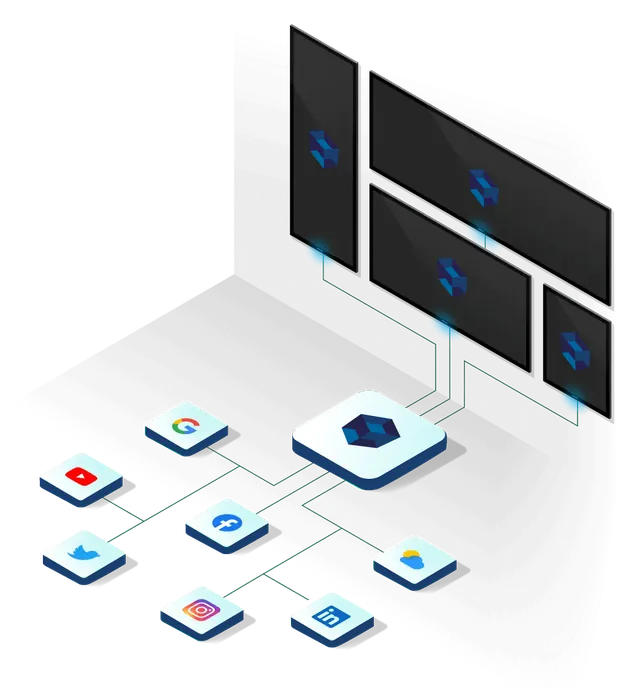
- Are live data such as exchange rates, weather and news available out of the box, and can you connect your own data?
- Can you see which display is not playing?
We developed SSCSign, our 100% Turkish-developed software, to answer all of these questions.
Summary
An excellent corporate display comes from getting the viewing distance right, brightness adjusted to ambient light, uninterrupted operating hours, a sustainable service infrastructure and central software management all working together. From the site survey onwards, we plan all of these details on your behalf. Take the first step to bring your project to life by filling in our quote form.