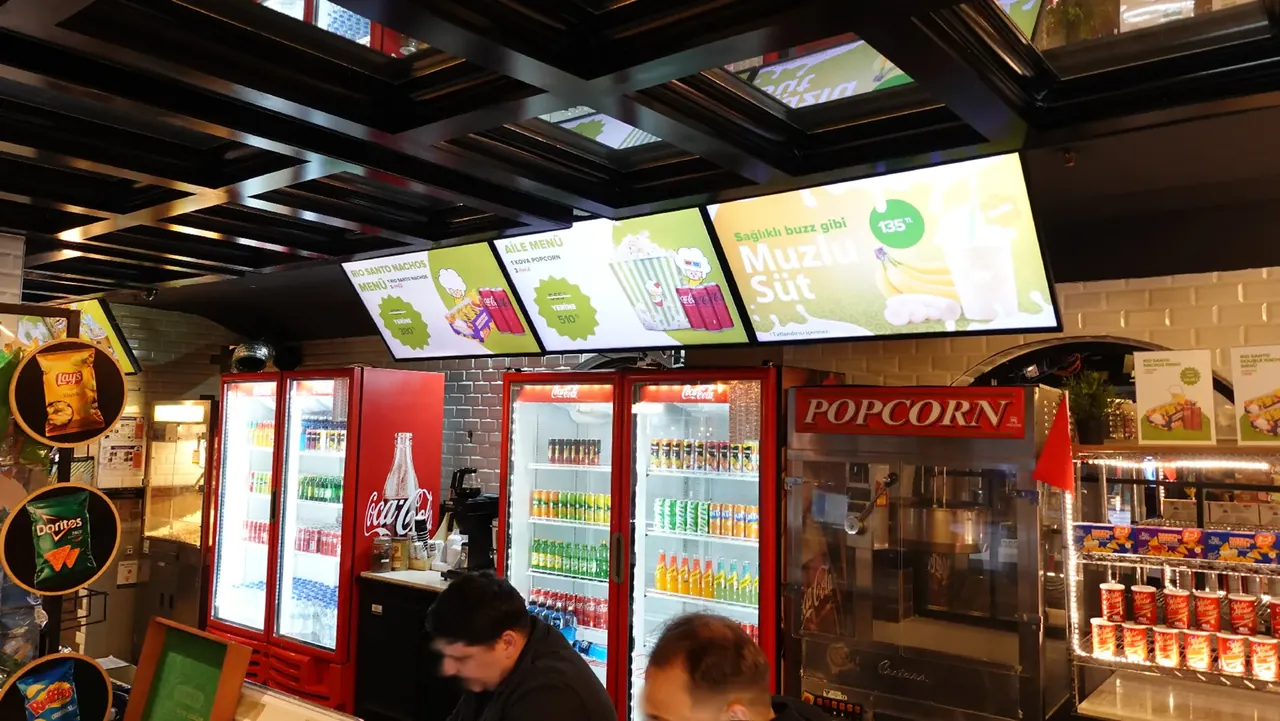
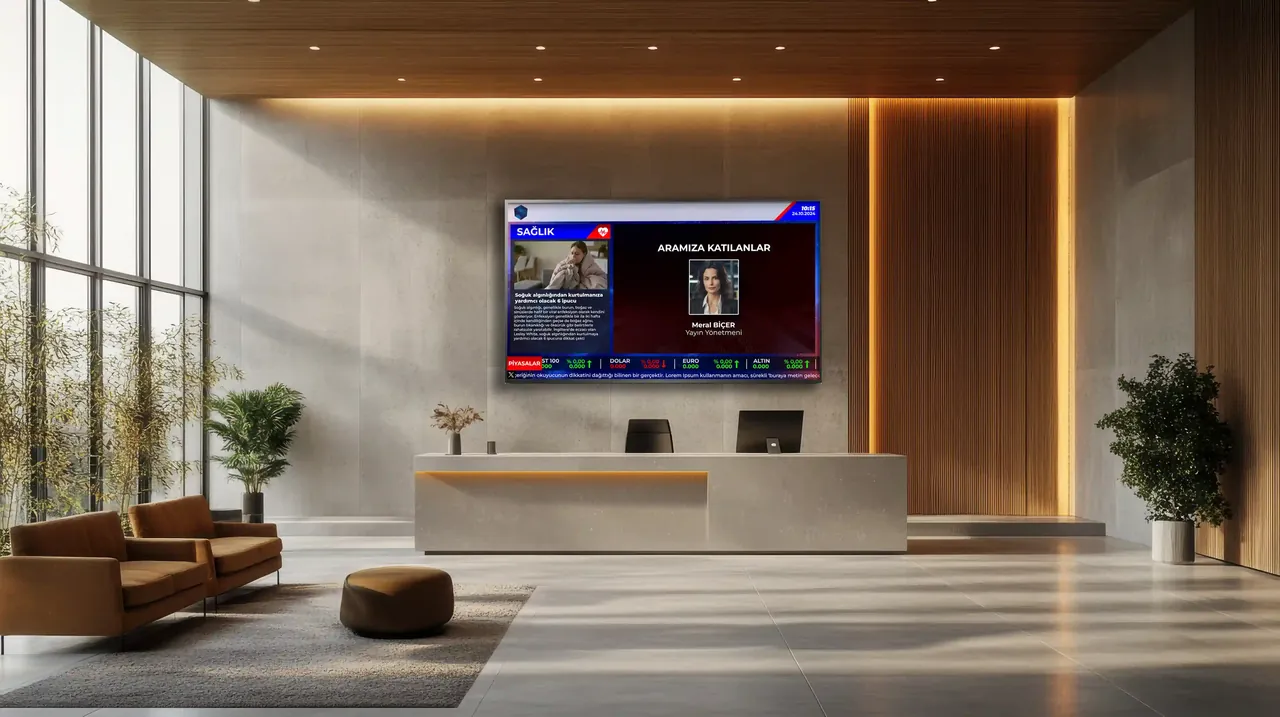
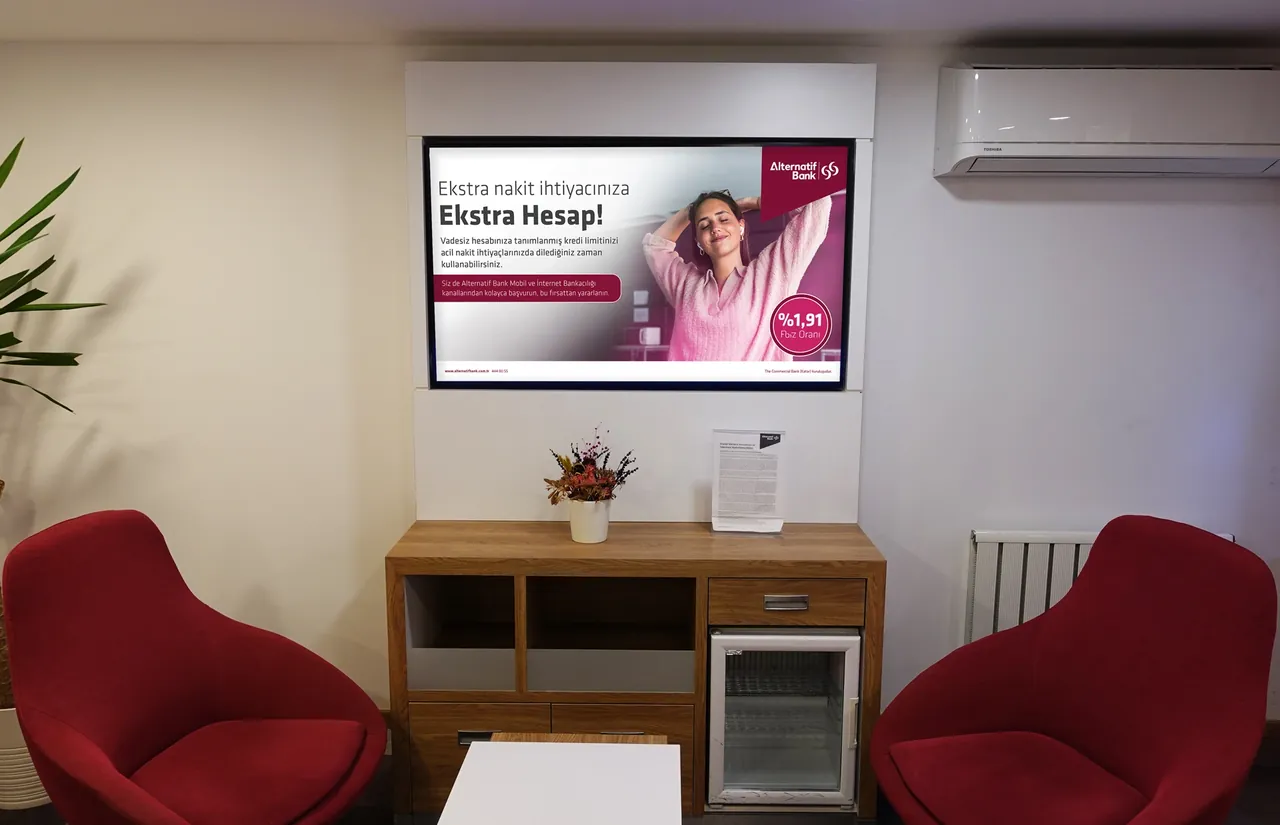
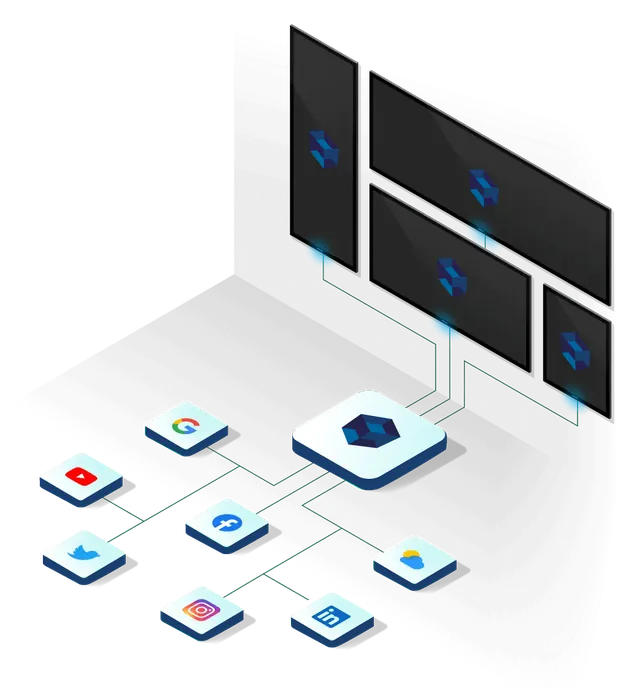
Digital signage (also known as digital displays or digital information screens) is an integrated technology that lets you manage all images, videos and dynamic data across your corporate display network remotely and centrally, over the internet or a closed local network. With this infrastructure, you decide through central management software which content plays on which display, when and for which audience, instantly or on a schedule, wherever the displays are.
In internal use it is also known as "corporate TV". Menu boards in restaurants, information displays in bank branches, LED displays on shopping mall façades and wayfinding kiosks in hospitals all work on the same principle.
What is a digital signage system made of?
- Display: An LCD panel, LED display, video wall or touchscreen kiosk. For displays that stay on all day, professional panels designed for this use are preferred.
- Player: A compact computer that sends content to the display. On some professional displays (Samsung Tizen, LG webOS), the player is built into the display and no separate device is needed.
- Software: The content management platform that manages all players centrally. The software we offer in this area: SSCSign.
- Content: Images, videos, menus and announcements, as well as live data such as exchange rates and weather.
How does it work?
Once content is uploaded to the software, an advanced playout plan defines in seconds which display shows it, on which day and at what time. Players synchronize the plan automatically; every change appears on the displays instantly, and the days of physical visits to branches or USB updates are over.
The software also shows the real-time status of the displays: which display is live, which has gone offline and which has a problem can all be monitored from a single point. This means faults are often detected before the branch reports them.
What do you gain?
- Speed: Price, campaign and announcement updates go live at all locations at the same time.
- Targeting: Dynamic content scheduling customized for each branch, for set times of day and for your audience profile.
- Cost: Operating costs from printing, distribution and storage go down.
- Live information: Exchange rates, stock market data, weather and news feeds update automatically.
- Tracking: A record is kept of which content was shown where and when.
Where can you use it?
| Industry | Typical use |
|---|
| Banks | In-branch campaigns, interest and exchange rates, queue display |
| Restaurants | Menu boards, order status displays, campaigns |
| Retail | Shop window displays, in-store promotion, digital totems |
| Factories | Shifts, production targets, occupational safety |
| Hospitals | Wayfinding, waiting area information |
| Public sector | Announcements, queuing, citizen wayfinding |
Where should you start?
Choosing the right display, the ideal size and the right software starts with clarifying what you want to show, where and to whom. See our buying guide for a checklist that makes your decision process easier step by step, and contact us through the quote form to shape your project together.