
- Home
- Public Sector
Public Sector
Make citizen information more orderly and accessible by delivering queue and wayfinding information in your service buildings, announcements in waiting areas and emergency messages in public squares through a single playout infrastructure. We install the displays and take on the entire process end to end, from installation to content operations, in line with your institution's security requirements.
The app you choose opens in a new tab and summarizes this page only.
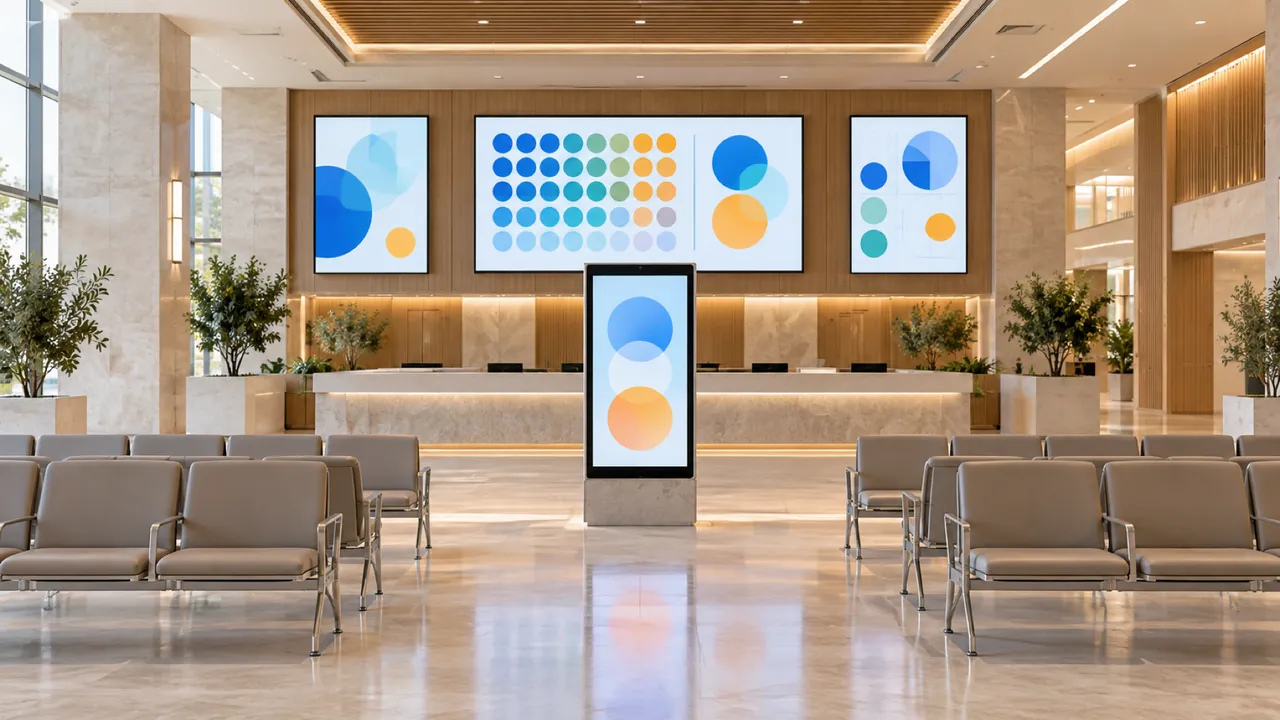
- 1Directing People to the Right UnitDigital displays and kiosks placed in waiting areas make it easier to direct citizens to the relevant service unit. Presenting queue status and process steps clearly helps keep visitor flow in the service building more orderly.
- 2Your Institutional Announcements Live on All Displays at OnceUrgent and priority announcements reach the displays in all buildings at the same time. Critical information reaches citizens without delay, and your institution's message appears everywhere with the same content and a consistent corporate identity.
- 3Clear Service InformationInformative content about processes, required documents and services is shown on the displays. Citizens learn the steps before their turn comes, and the service process runs more effectively and efficiently for both citizens and staff.
Secure, uninterrupted and accessible communication standards for public information
Giving citizens who visit your institution instant access to queue, department and document information is the first step in service quality. With well-placed displays and kiosks, frequently asked questions are answered automatically; your waiting areas become calmer and your processes run more smoothly and transparently.
In emergencies, the same display network becomes your institution's central announcement channel: a single message reaches the displays in all buildings at the same time. Daily information content is prepared and scheduled by our content and publishing team, and published with your institution's approval.
In public sector projects where data security is critical, we install SSCSign on your own server so that content and logs stay within the institution. We configure user permissions entirely according to your rules and carry out all installation and integration steps jointly with your IT department.
Display solutions for public institutions
- Digital SignageKeep citizen communication consistent by bringing announcement and information displays together in a shared playout network managed from a central platform.
- KioskOffer the service guide and wayfinding at a single point so citizens can reach the unit and information they need quickly and easily.
- Smart CitySquare and bus stop displays are combined in a single central cloud network, so public announcements and emergency information are delivered across the city simultaneously and without interruption.
- Indoor & Outdoor LEDMake your announcements visible from a distance with building façade and square displays, and reach large audiences in the city at the same time and with high visibility.
How we bring your project to life
- Needs analysis and site surveyWe analyze your application areas on site and define display positions, sizes and mounting conditions according to your project's requirements.
- Scope and proposalWe provide a comprehensive proposal that details hardware, installation, software and content services as separate items.
- Installation and commissioningWe plan on-site installation fully around your institution's working hours or operational peaks. The system passes all technical tests and is handed over complete and ready to go live.
- Content operations and serviceOur expert content and publishing team runs daily content management through the SSCSign platform. With 24/7 system monitoring, periodic maintenance and on-site service in all 81 provinces, we ensure uninterrupted operational continuity.