In restaurants, cafés and stores, self-service kiosks let customers place their own orders and pay without going to the till. A well-designed kiosk shortens the queue at busy times and lets staff focus on preparation and service.
1. Display and ease of use
Since the kiosk screen is used up close and by touch, a responsive capacitive touch surface should be chosen. Product images and prices on the menu should be clearly legible, and buttons should be large enough to press comfortably with a finger.
2. Payment options
The kiosk is expected to support card payments and mobile payments via QR code or NFC. A receipt printer and a QR/barcode reader are also core parts of the kiosk setup. Samsung Kiosk meets these needs in a single unit with its 24 inch Full HD touchscreen, built-in QR and barcode reader and receipt printer; it is available in Tizen and Windows versions.
3. Connection to existing systems
The real value of a kiosk comes from transferring order and payment information correctly to the business's existing systems. How the kiosk software connects to your POS, kitchen and stock systems is planned for each project through custom software and integration work.
4. Placement and mounting
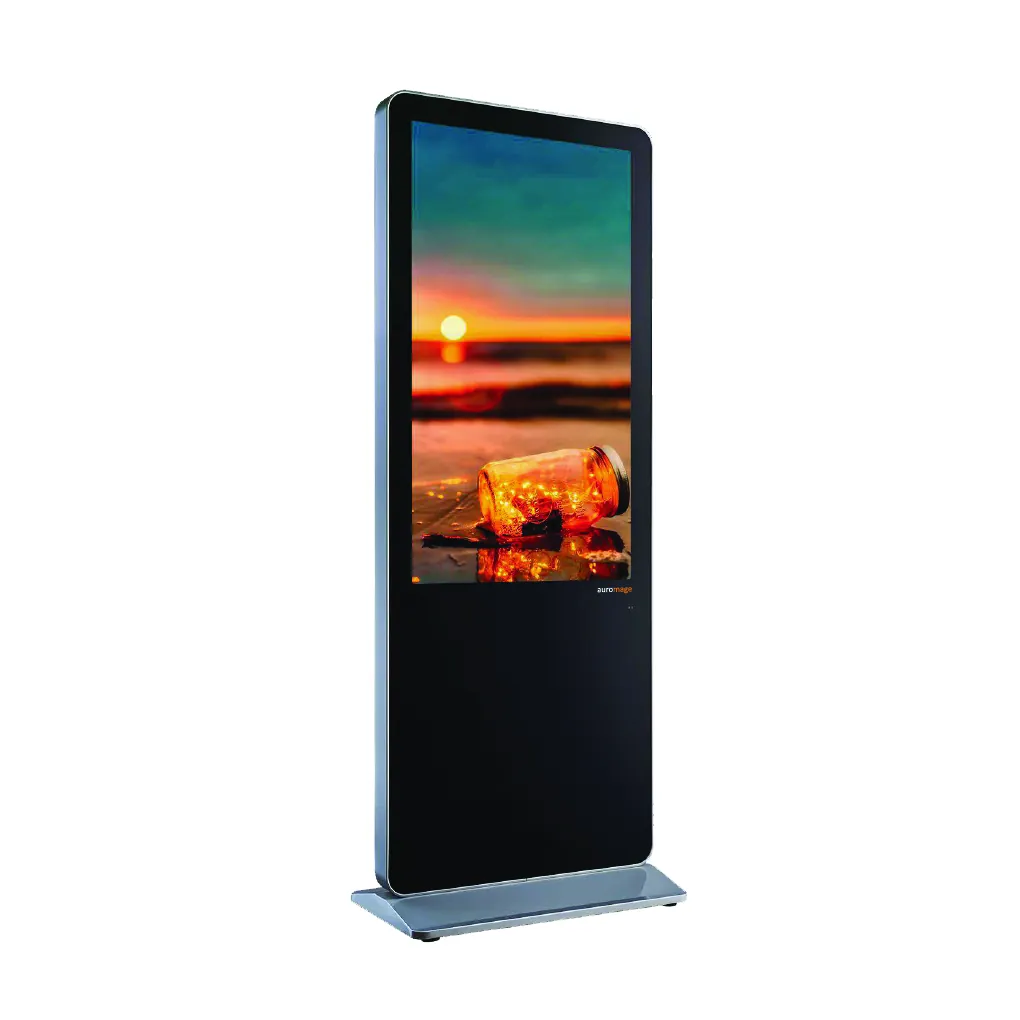
The kiosk should be placed where it doesn't interrupt customer flow between the entrance and the counter. Depending on the space, countertop, wall or freestanding mounting can be chosen. Screen height should also take wheelchair users and families with children into account.
5. Content and menu updates
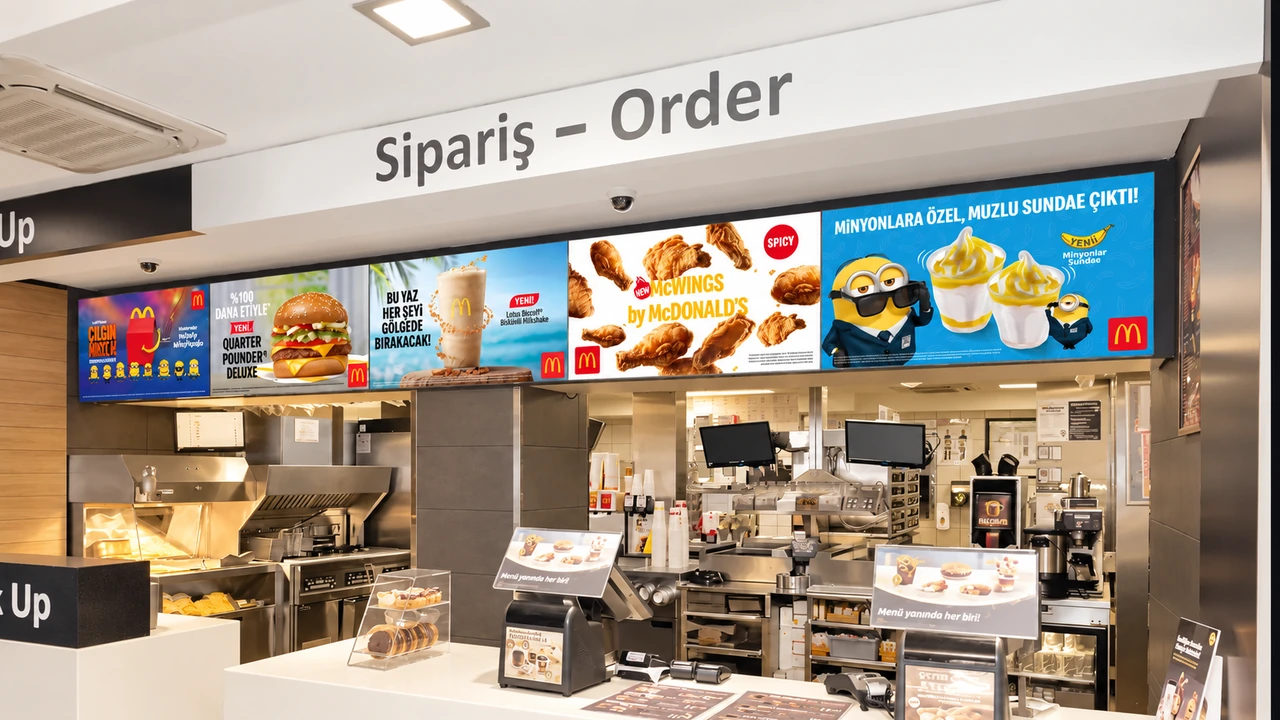
Price, product and campaign changes need to reach the kiosks in all branches at the same time. The promotional content shown on the kiosk screen when idle is managed centrally through SSCSign, together with digital menu board displays.
6. Service and continuity
When the kiosk stops, ordering stops. That's why fast response and a spare parts plan for faults should be clarified at the selection stage. In the systems we install, technical service is also handled by our team.
Summary
The right kiosk comes together with an easy-to-use display, hardware that supports your business's payment methods and software that connects to your existing systems. You can explore kiosk projects on our kiosk page and send us your site survey request.